Choose the next
useful action.
Our guides are long-form explanations with practical checks, worked examples and downloadable resources. Start with a question, follow a topic path, or pair a guide with free worksheets. Then decide what to verify for your own files, screens or accounts.
What are you trying to solve?
Each path leads to a specific article and a task you can actually check.
18 guides
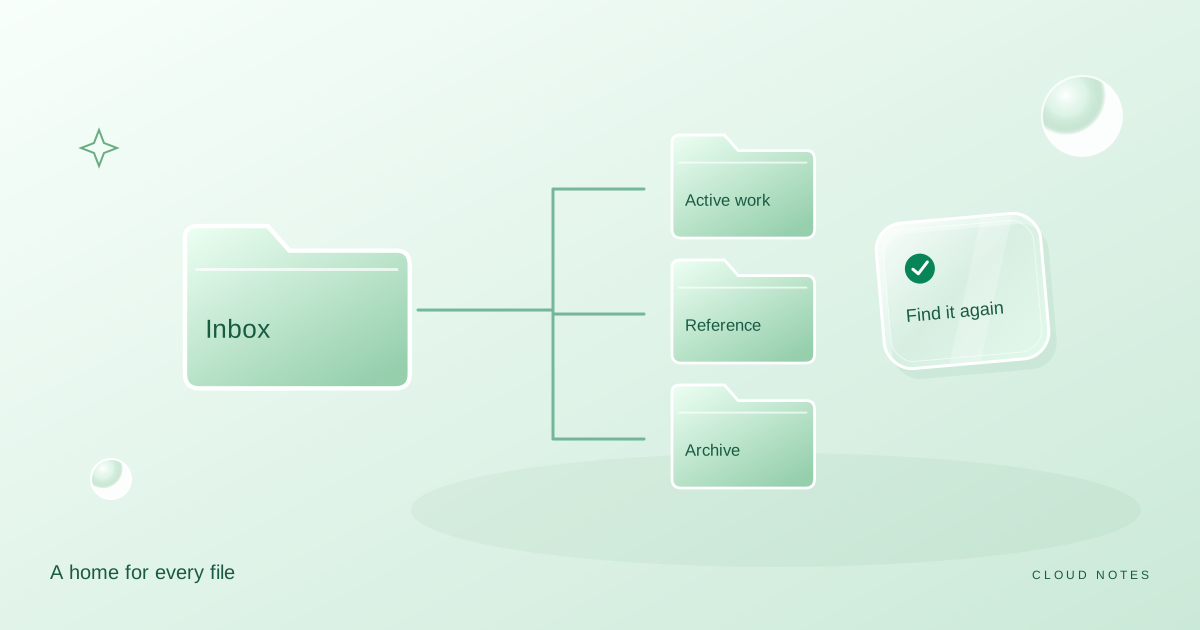
A folder system you can actually keep
Build a small personal filing system with an inbox, active projects, reference folders and a clear archive. Includes a worked example and a weekly routine.
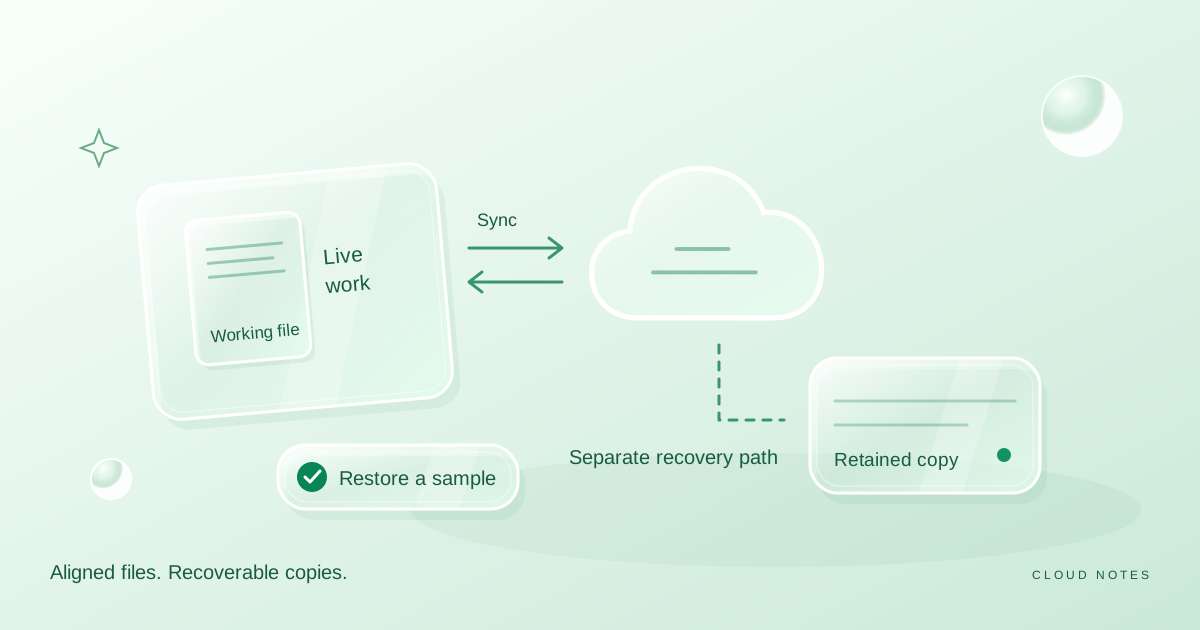
Sync is not your whole backup plan
Understand the difference between keeping files in sync and retaining recoverable copies, with a safe practice exercise and a personal recovery checklist.
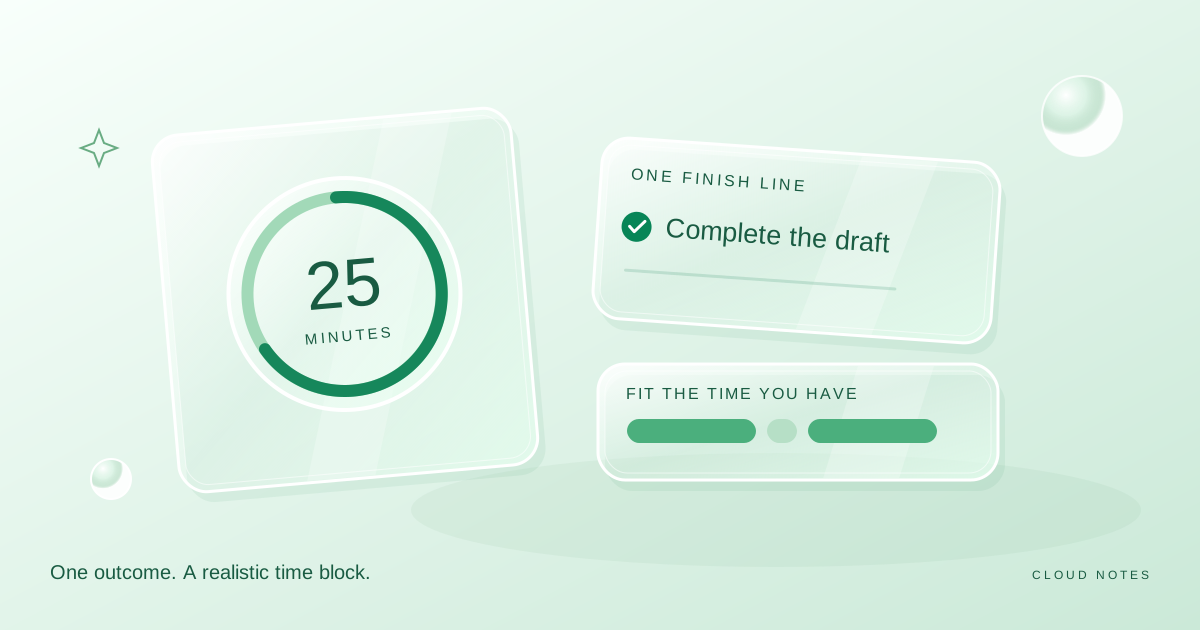
Plan a focus session that fits your actual day
Choose one concrete outcome, fit it into the time you have and make interruptions easier to handle. Includes a flexible session plan and reflection questions.
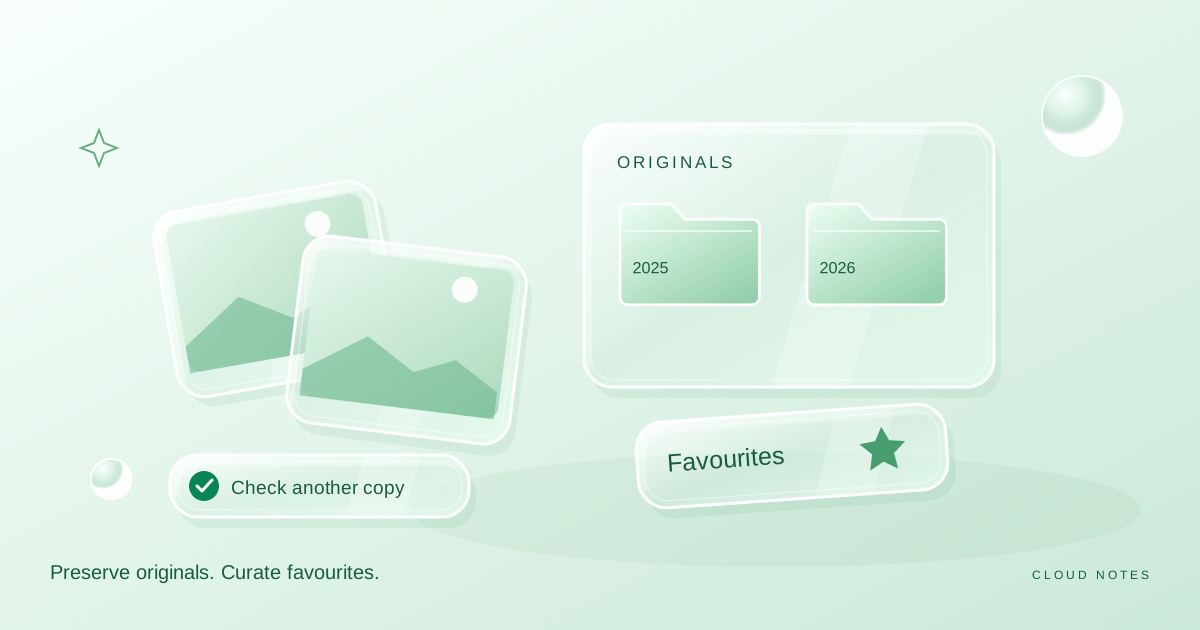
A photo library without the chaos
Create an original photo archive, a smaller favourites collection and a simple import routine without deleting the only copy of a memory.
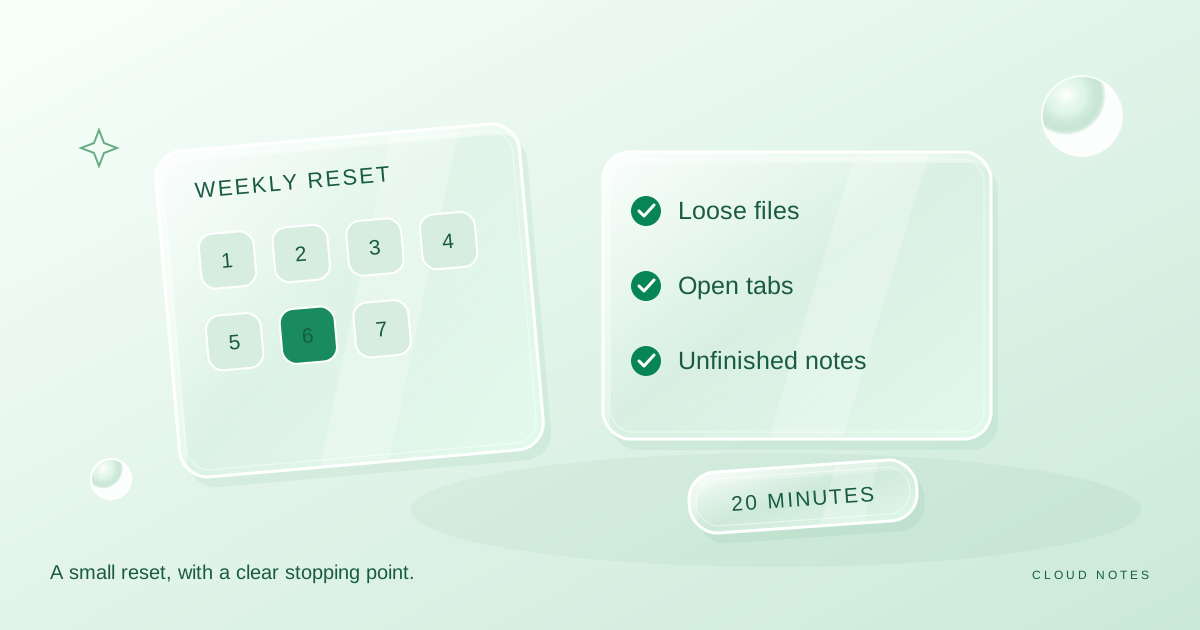
A weekly digital reset in twenty minutes
A bounded routine for loose files, open tabs, unfinished notes and backup checks. Finish with fewer loose ends instead of a major reorganisation.
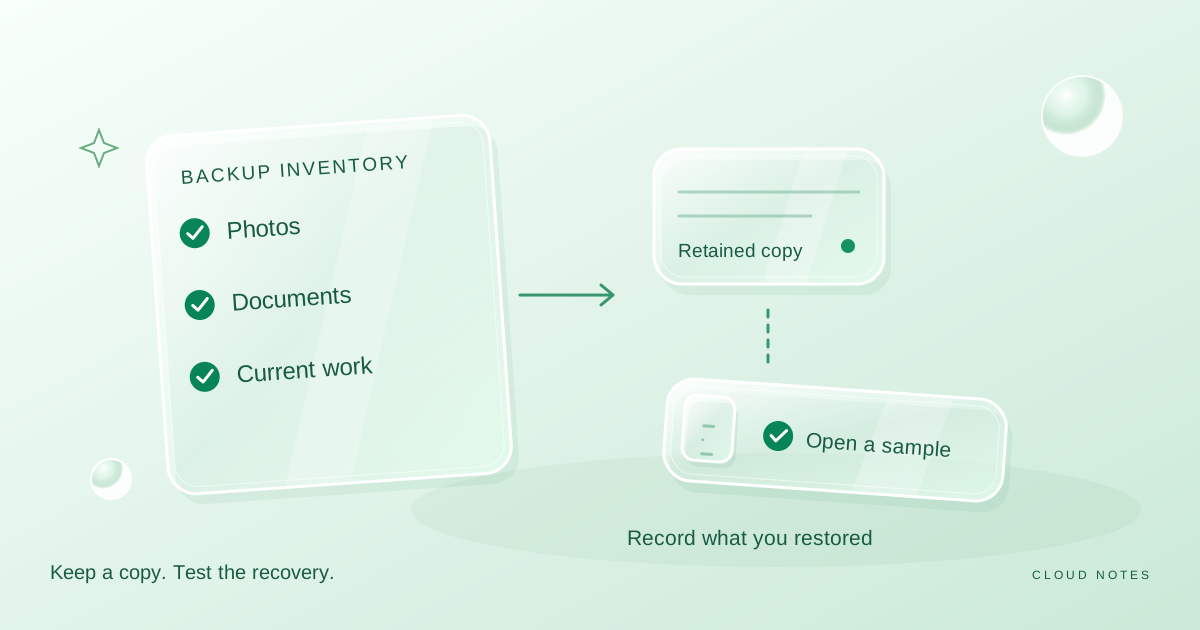
Build a personal backup checklist you can test
Turn a vague backup intention into a simple inventory, copy schedule and restore record. Includes an example for photos, documents and current work.
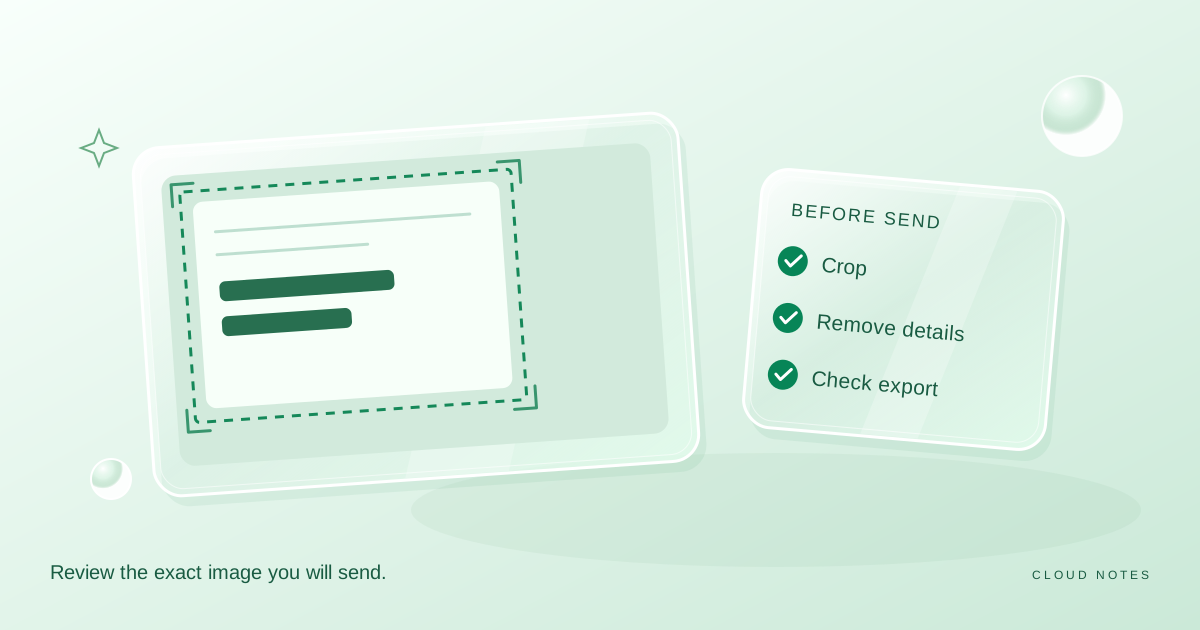
Check a screenshot before you share it
A practical screenshot privacy checklist covering visible details, crop boundaries, comments and a final export check, with a downloadable review sheet.
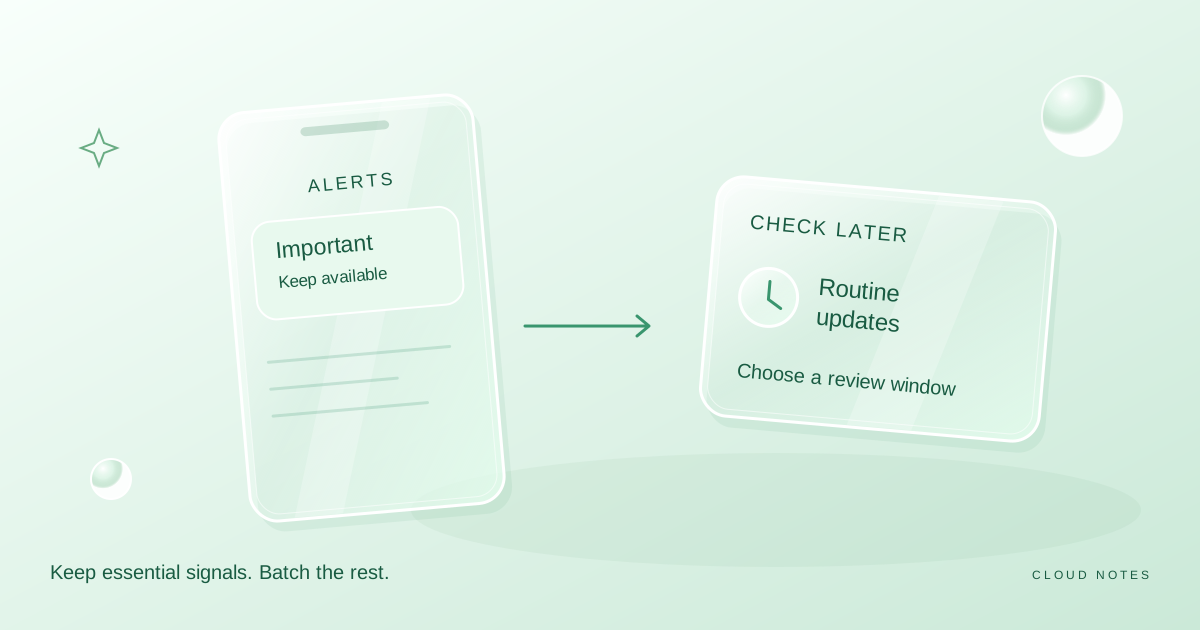
Give every notification a purpose
Audit notification channels by urgency and consequence. Keep important signals while moving routine updates into a more deliberate checking routine.
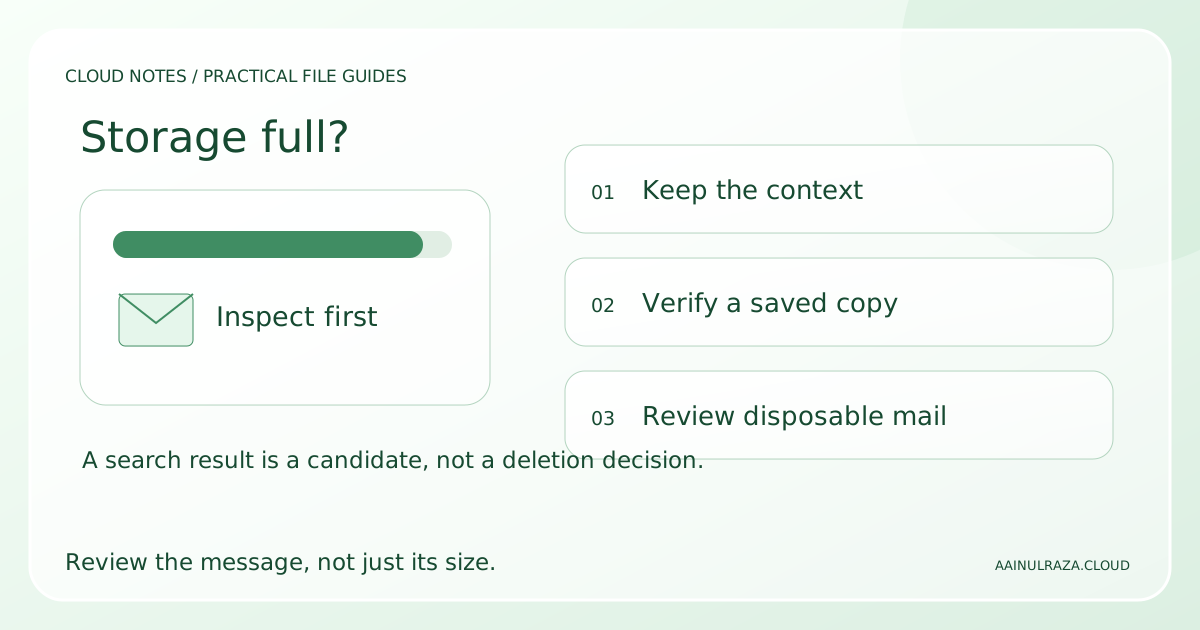
Gmail Storage Full? Find Large Emails and Free Space Safely
Find large Gmail emails, review attachments and clear storage with a small-batch workflow, worked cleanup example and a free decision worksheet.
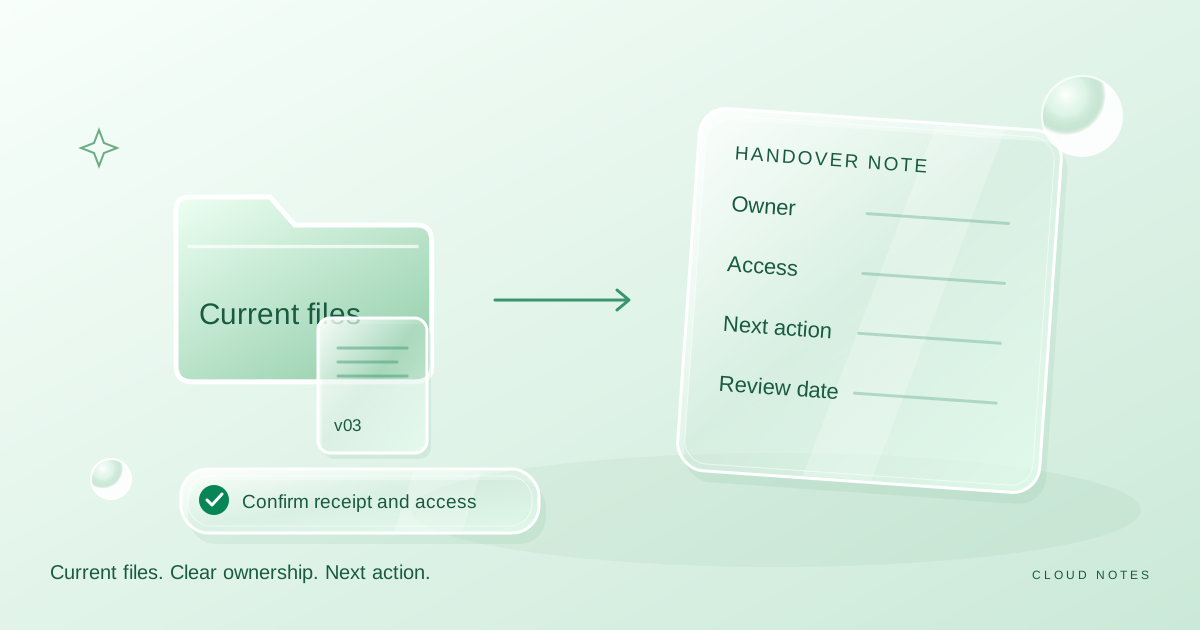
Hand over a shared folder without confusion
Prepare a shared folder handover with clear versions, ownership, recipient checks and a review date. Includes a worked example and a reusable delivery note.
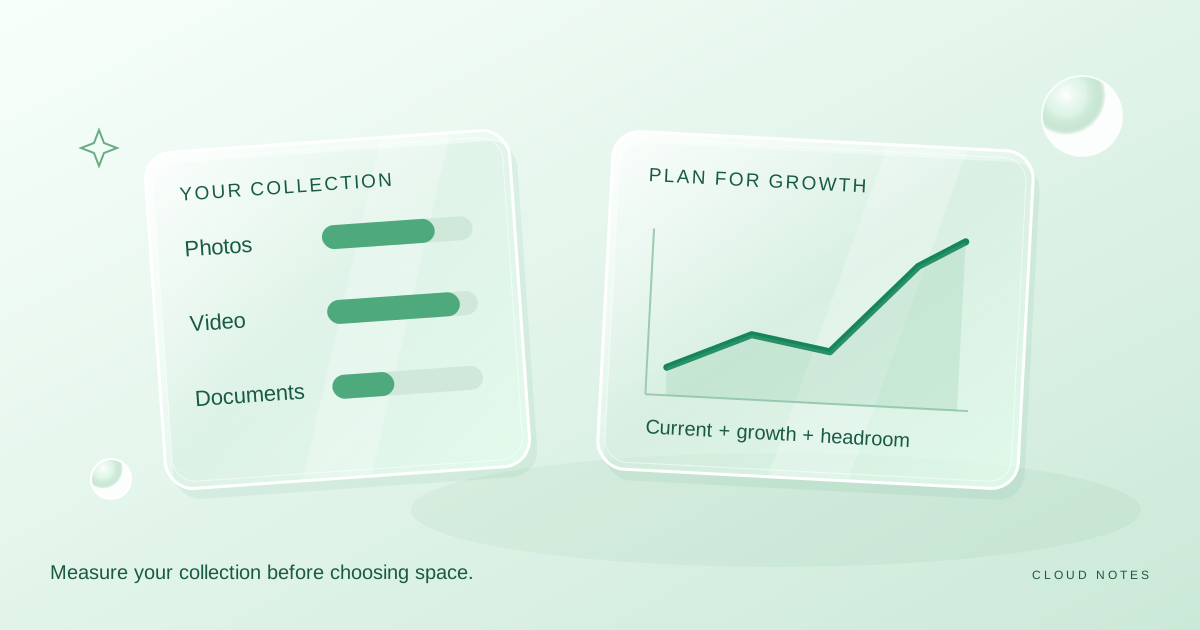
How much cloud storage do you really need?
Estimate storage from your own photos, videos, documents and growth rate, rather than choosing a plan from an advertised headline.
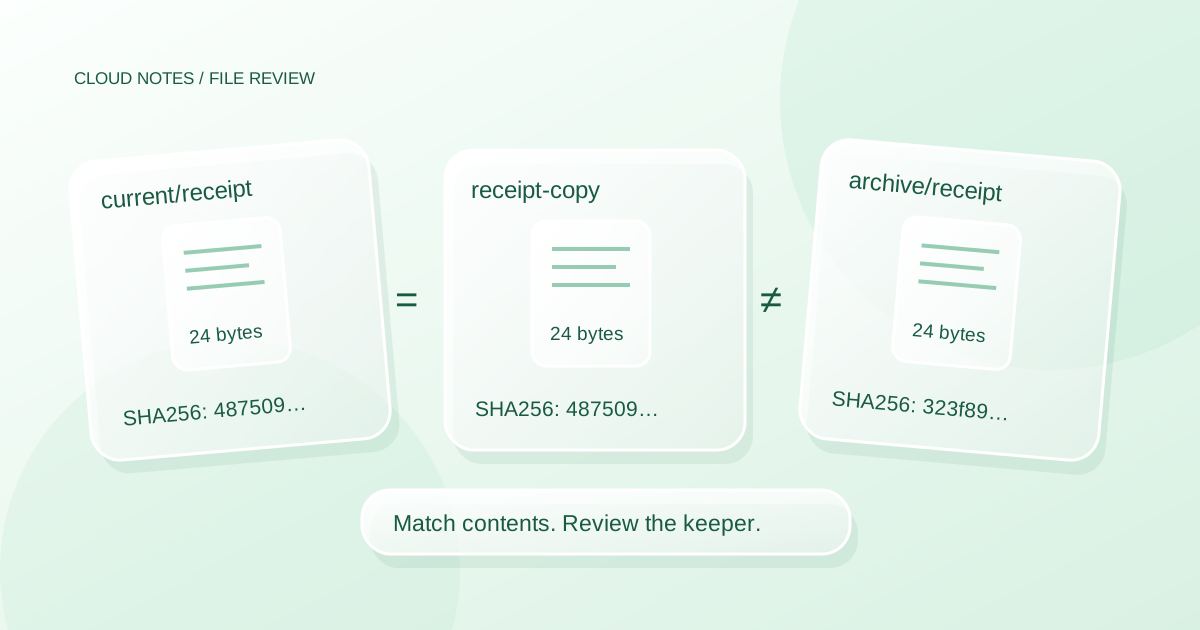
How to Find Duplicate Files on Windows Without Deleting the Wrong Copy
Review duplicate files on Windows using size, SHA256 and context. Try a reproducible five file mini lab before choosing what to keep or delete.
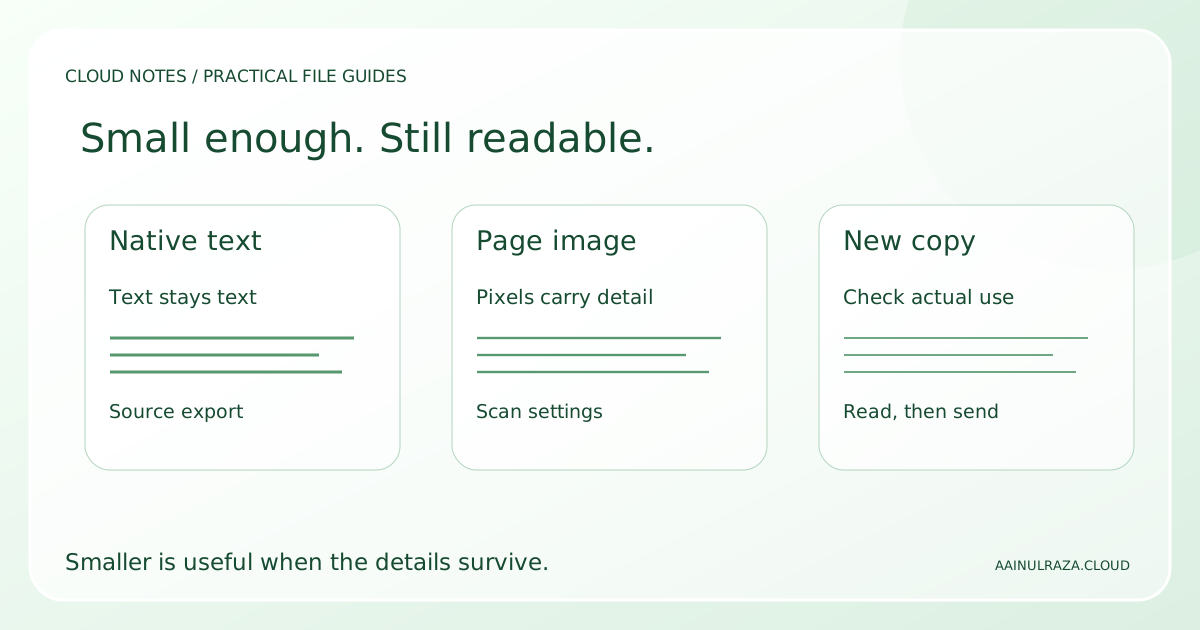
How to Reduce PDF File Size Without Making It Unreadable
Make a PDF smaller using the right method for text or scans. Compare four downloadable samples, check small details and record a practical quality test.
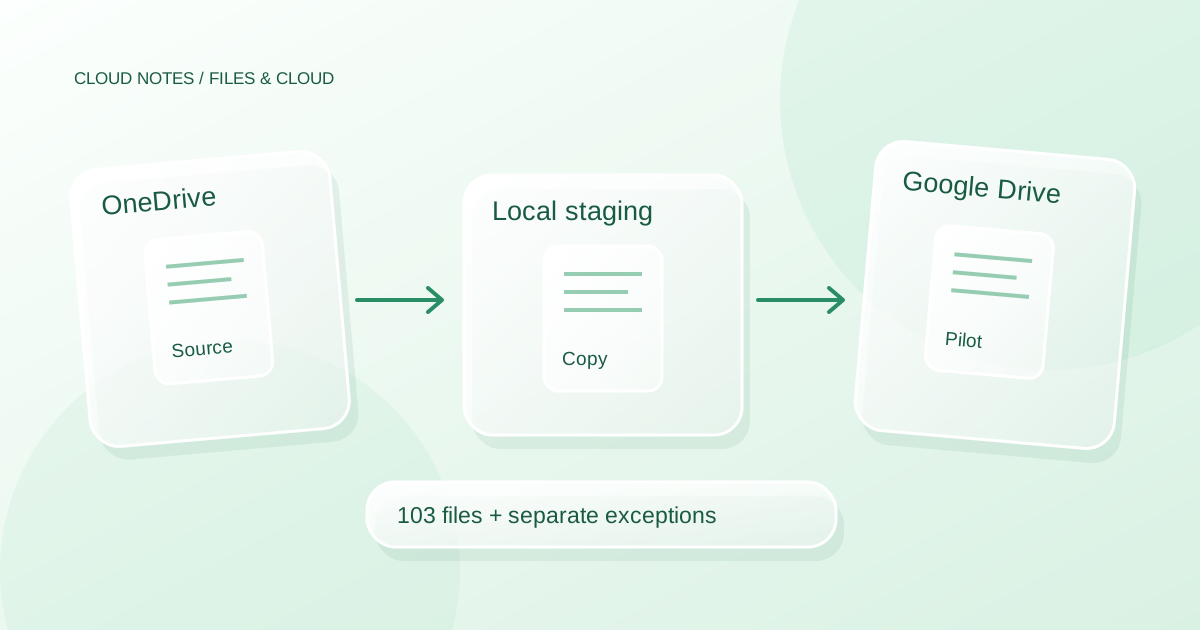
How to Transfer Files from OneDrive to Google Drive Safely
Move ordinary files from OneDrive to Google Drive with a staged copy, a batch inventory, permission checks and a clear test before retiring the originals.
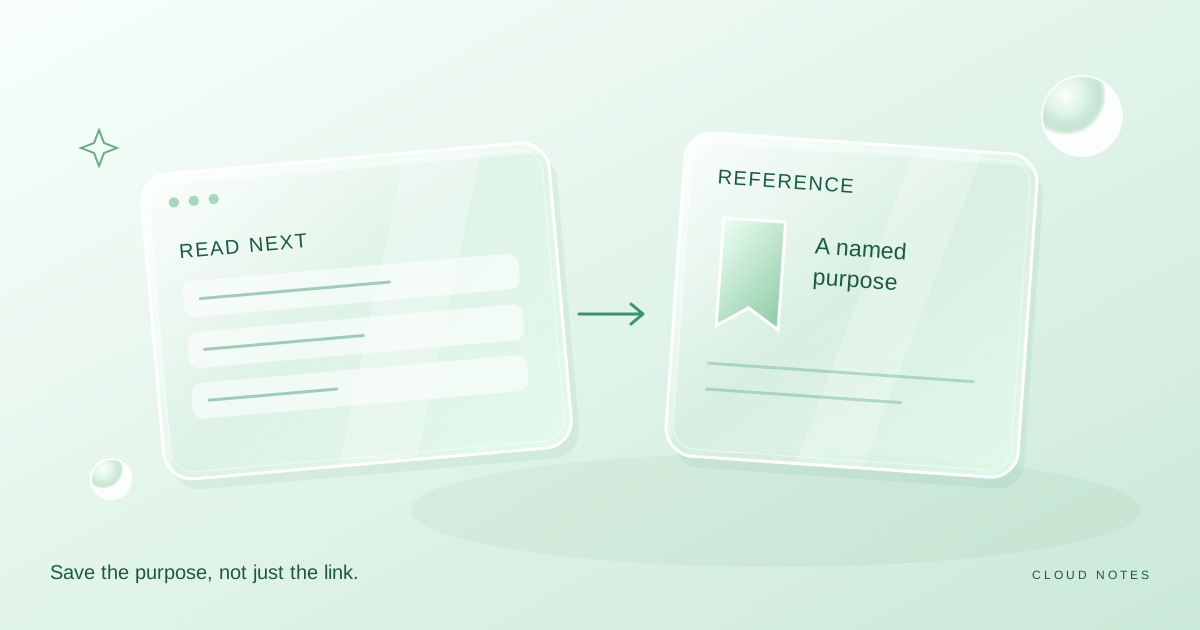
Save bookmarks you can find again
Turn a large bookmark pile into a current queue and a small reference library with useful labels, purpose notes and a bounded review routine.
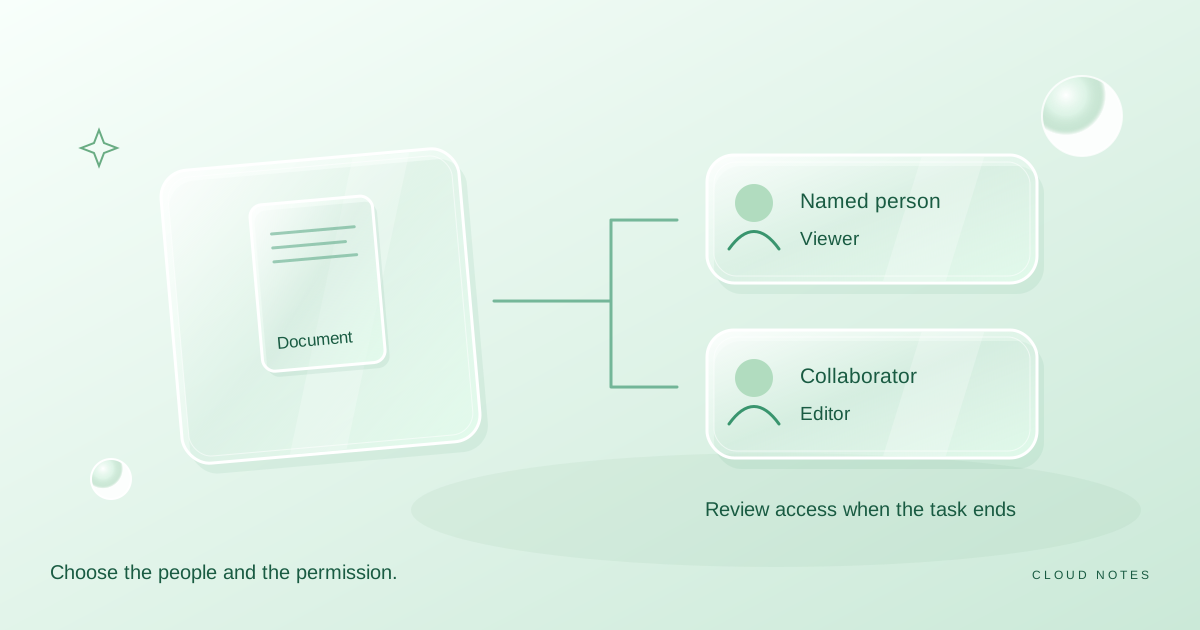
Share a file with the right people
A practical preflight for sharing a document: choose the audience, choose the role, inspect the content and review access when the task ends.
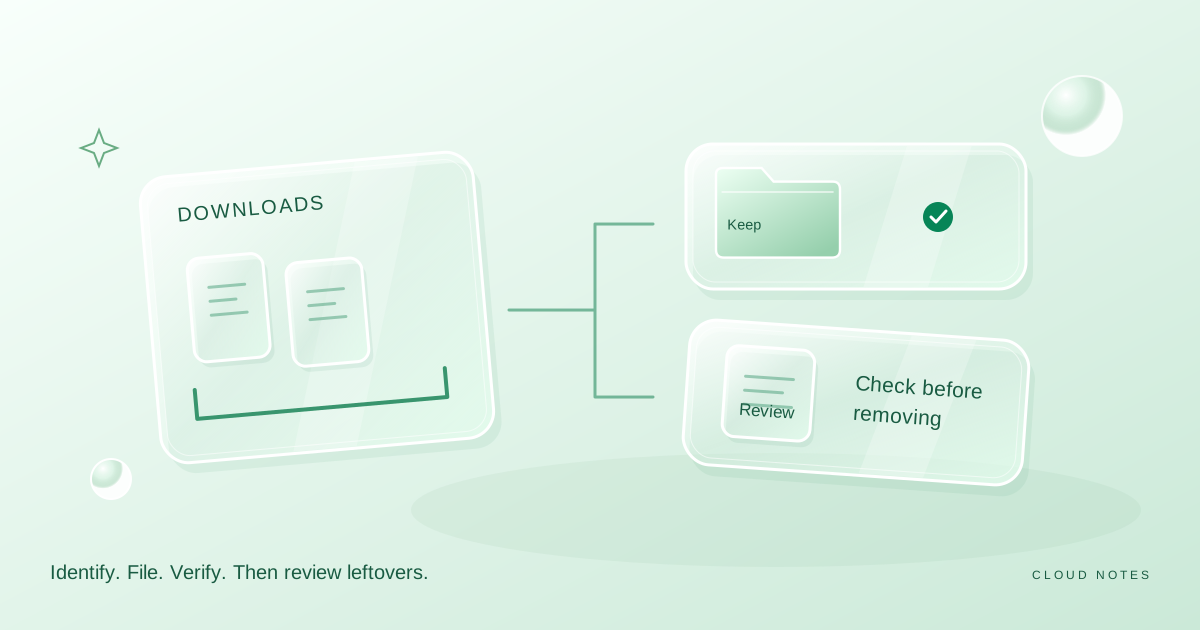
Tidy your Downloads without losing useful files
A careful Downloads cleanup routine that separates temporary items from real documents, preserves useful copies and avoids rushed bulk deletion.
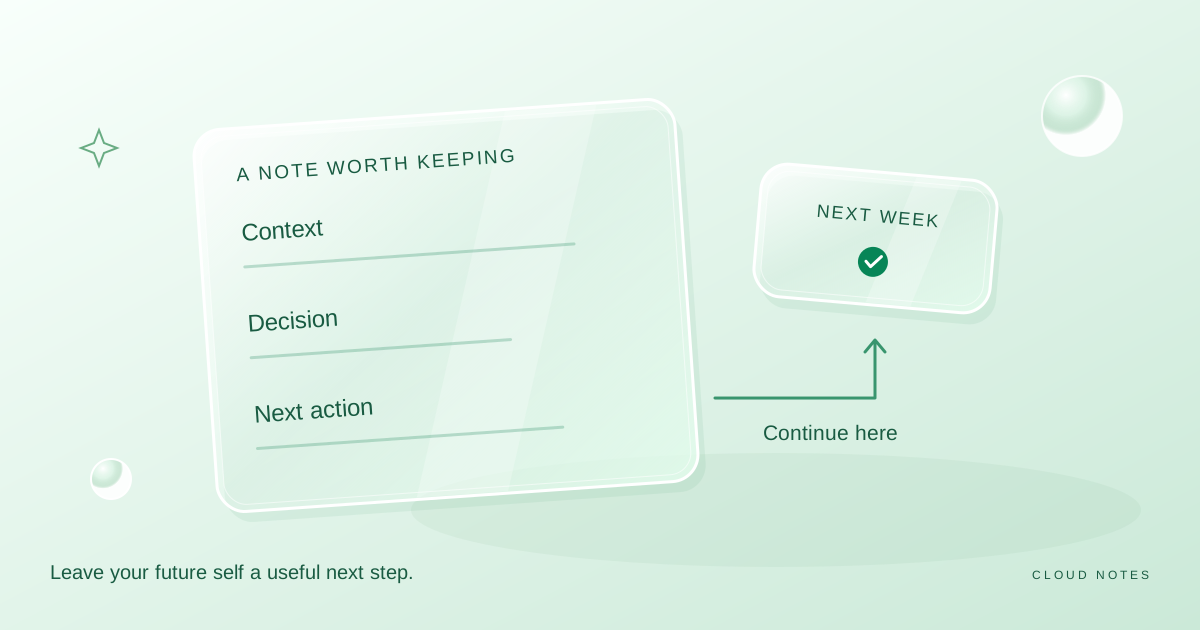
Write notes that are still useful next week
A small note template that preserves context, decisions and next actions. Learn when to capture a source, split a note or archive it.
No guides found
Try a shorter search or another topic.