Find what matters.
Keep it usable.
Clear steps for organising files, checking backups and sharing deliberately. Follow a guide, try a local browser tool, then use a worksheet to make the decision your own.
Independent guidance by Aain Ul Raza · Examples and limitations are documented here.
Find what you need. Keep what matters.
Small routines for a calmer screen.
Thoughtful steps before you send.
Make the next step yours.
Choose a real problem and where you are starting. Get three practical checks, a relevant guide and a worksheet to keep. Nothing is uploaded or saved by this planner.
How our examples are checked →YOUR NEXT THREE CHECKS
Worth a quiet read.
Practical guidance, with examples you can use.
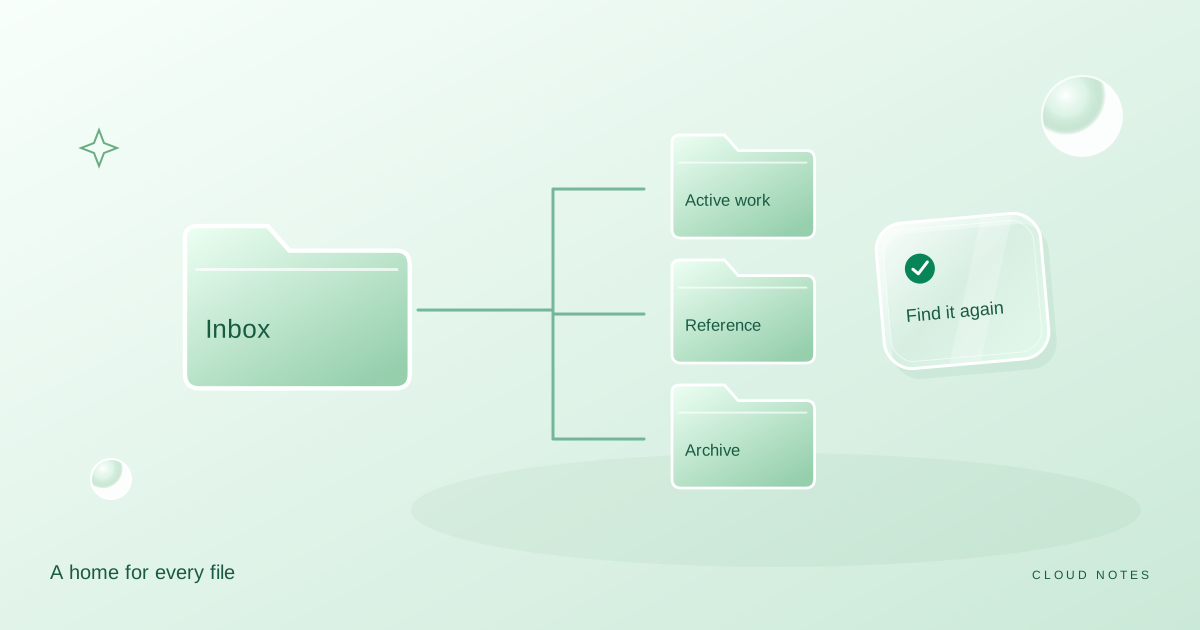
A folder system you can actually keep
Build a small personal filing system with an inbox, active projects, reference folders and a clear archive. Includes a worked example and a weekly routine.
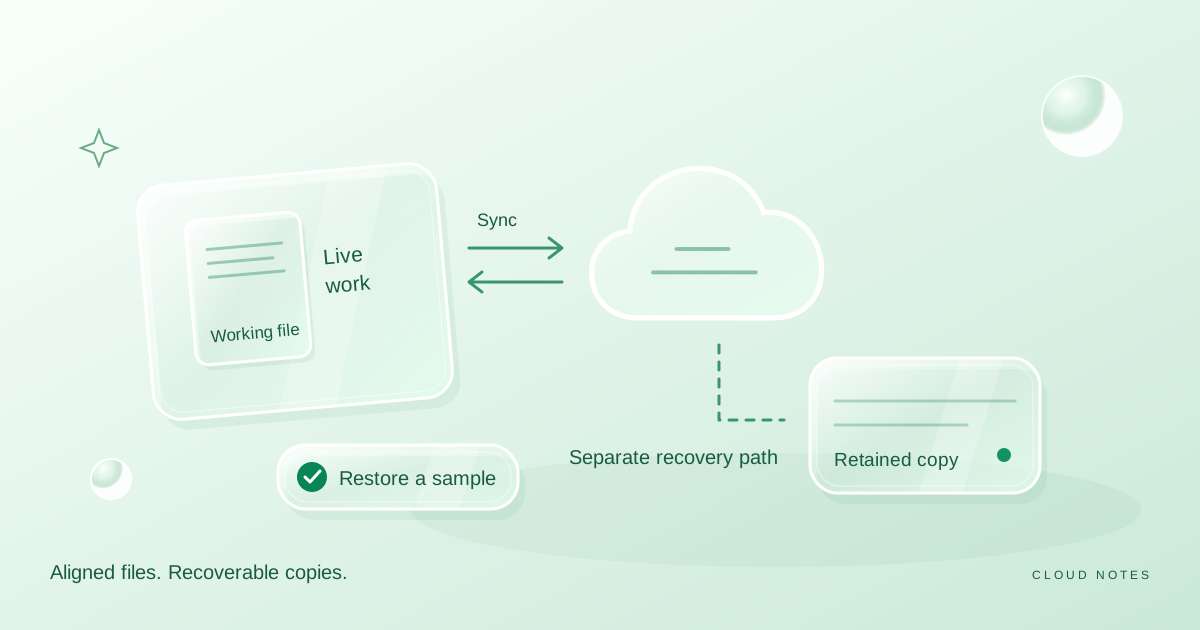
Sync is not your whole backup plan
Understand the difference between keeping files in sync and retaining recoverable copies, with a safe practice exercise and a personal recovery checklist.
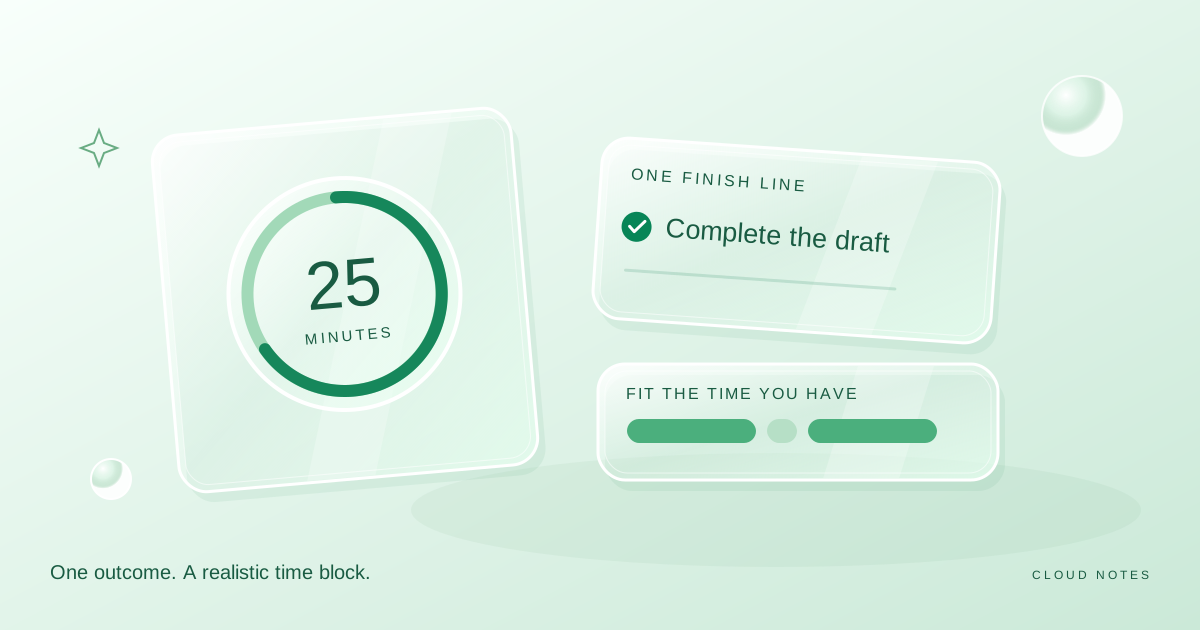
Plan a focus session that fits your actual day
Choose one concrete outcome, fit it into the time you have and make interruptions easier to handle. Includes a flexible session plan and reflection questions.
One small improvement at a time.
Useful notes you can keep.
Free worksheets for filing, backups, focus and sharing. No signup or uploads.
Choose a stable home for recent files and test whether you can retrieve them.
Free TXT worksheet →Backup inventory and restore logSeparate intended copies, completed copies and actual restore observations.
Free TXT worksheet →Storage planning worksheetKeep measured sizes, growth assumptions and a review date beside your capacity estimate.
Free TXT worksheet →Useful is a good place to start.
Cloud Notes is a personal publication about the small systems behind everyday digital life. Clear explanations, concrete examples, and room to choose what works for you.