Safer sharing
Sharing has two parts: choosing what to disclose and choosing who can use it. A private conversation does not automatically make a cloud link private, and a current filename does not prove that its contents are appropriate for every audience. These guides make the decisions visible before you send.
Start with the file sharing preflight for one document. Identify the intended people, choose a role that fits the task, inspect the exact file and set a review point. The worked examples compare a private draft, an authorised collaboration and a public schedule.
Use the screenshot guide when a screen capture is the thing you intend to send. It separates the subject, the edges, incidental details and the exported file. The checklist is a manual reminder; it does not certify that all private information or metadata has been removed.
For several files, the handover guide adds an authoritative file list, a delivery note and confirmation that the recipient understands the next action. The interactive preflight can organise your own answers, but it never connects to an account or checks effective permissions. Follow the applicable provider and organisational controls for real access changes.
Start here.
A suggested reading order. Choose the task that matters to you.
- 1Share a file with the right people →
A link is only one part of sharing. Check the audience, permission level, file contents and access end point before sending it.
- 2Check a screenshot before you share it →
Capture only what the recipient needs, remove unrelated details in a copy, and inspect the exact exported image before sending it.
- 3Hand over a shared folder without confusion →
A useful handover identifies the authoritative files, the responsible owner, the intended permissions and what the recipient should do next.
All safer sharing articles.
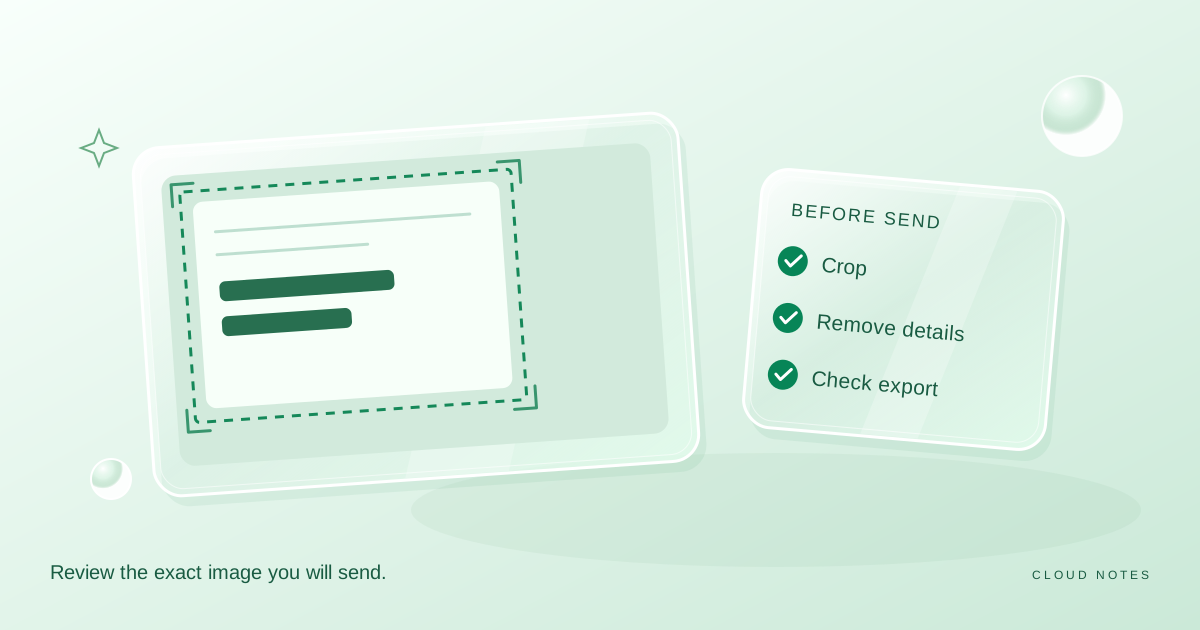
Check a screenshot before you share it
A practical screenshot privacy checklist covering visible details, crop boundaries, comments and a final export check, with a downloadable review sheet.
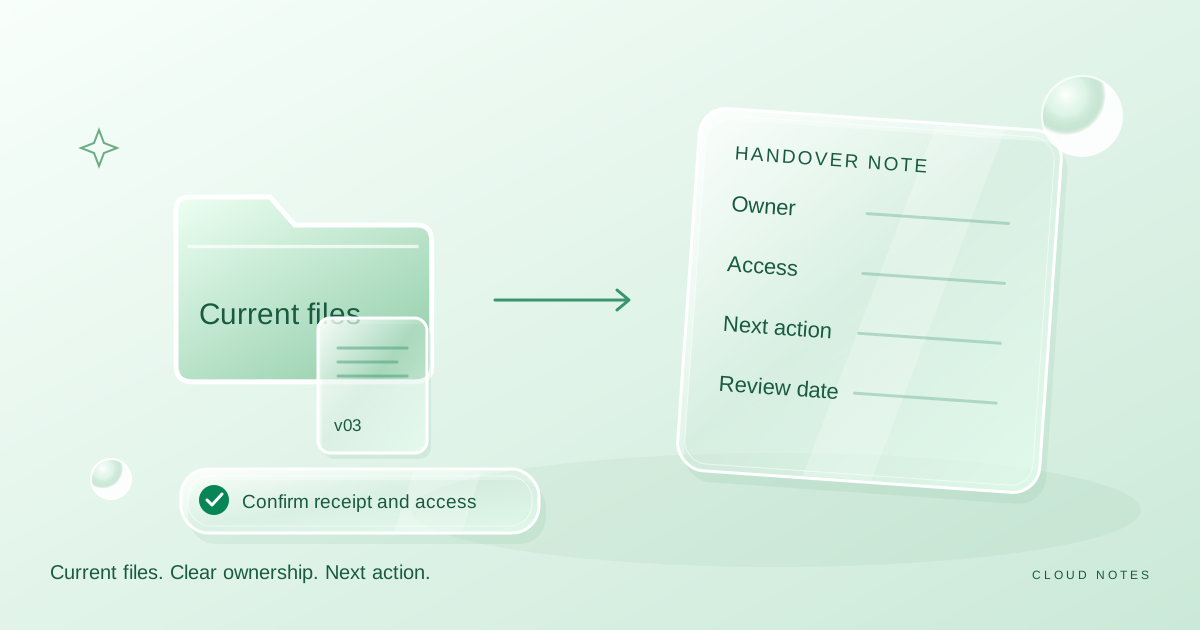
Hand over a shared folder without confusion
Prepare a shared folder handover with clear versions, ownership, recipient checks and a review date. Includes a worked example and a reusable delivery note.
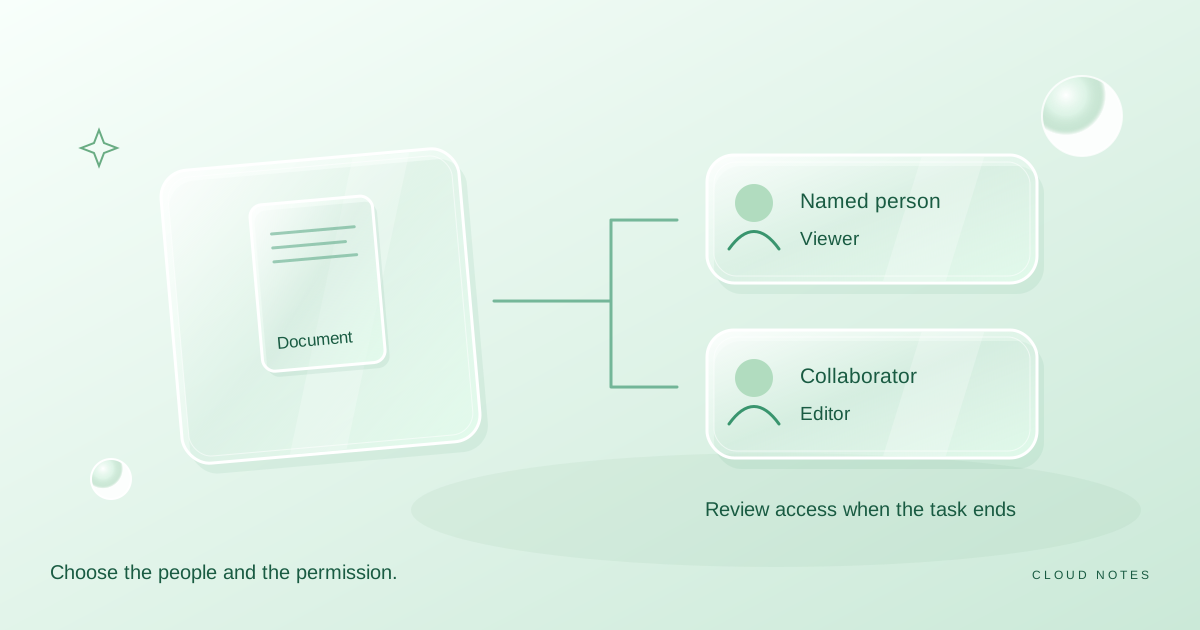
Share a file with the right people
A practical preflight for sharing a document: choose the audience, choose the role, inspect the content and review access when the task ends.