Before you start
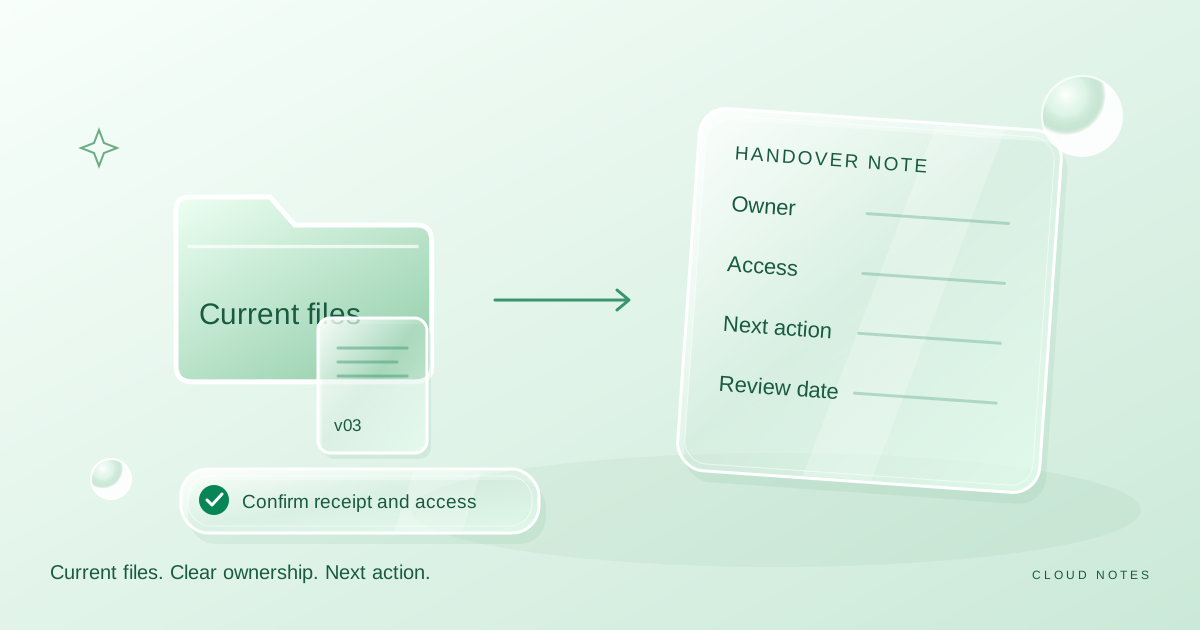
Give a recipient the current material, a clear owner and a specific next action.
- First step
- Create a dedicated delivery view and list the authoritative files before changing access.
Done when
- The recipient can open the intended current files and understands the next action.
- Your delivery note records the owner, scope and a review point for ongoing access.
Limit of this method: A delivery note explains intent; it does not change provider ownership or effective permissions by itself.

Record audience, role, content review and a clear delivery note.
Free text worksheet. No signup. Fill it locally; the site does not receive your entries.Sending a folder link is not the same as completing a handover. The recipient still needs to know which file is current, whether they should edit it, what is missing and whom to contact when something is unclear.
This guide suggests a small handover process for personal collaboration and ordinary project documents. It is not a replacement for an employer's delivery, retention or access policies. No account connection or automatic permission inspection happens here.
Define the outcome of the handover
Write what the recipient should be able to do after opening the folder. Review three selected images, continue editing a draft and keep a reference copy are different outcomes. Each one implies a different selection of files and permissions.
Also decide who remains responsible for the material. Someone can receive access without becoming the owner of the account or the long term maintainer of the files. Do not use the word owner loosely when the storage provider gives it a specific technical meaning.
If you need an actual ownership transfer or a move between accounts, check the provider's current documentation and your organisation's rules. The delivery note below records responsibility; it does not perform that technical transfer.
Create a dedicated delivery view
Use a dedicated folder when the working folder contains unrelated material. Include the current files the recipient needs and enough supporting context to understand them. Do not share a mixed personal archive merely because it is the easiest folder to locate.
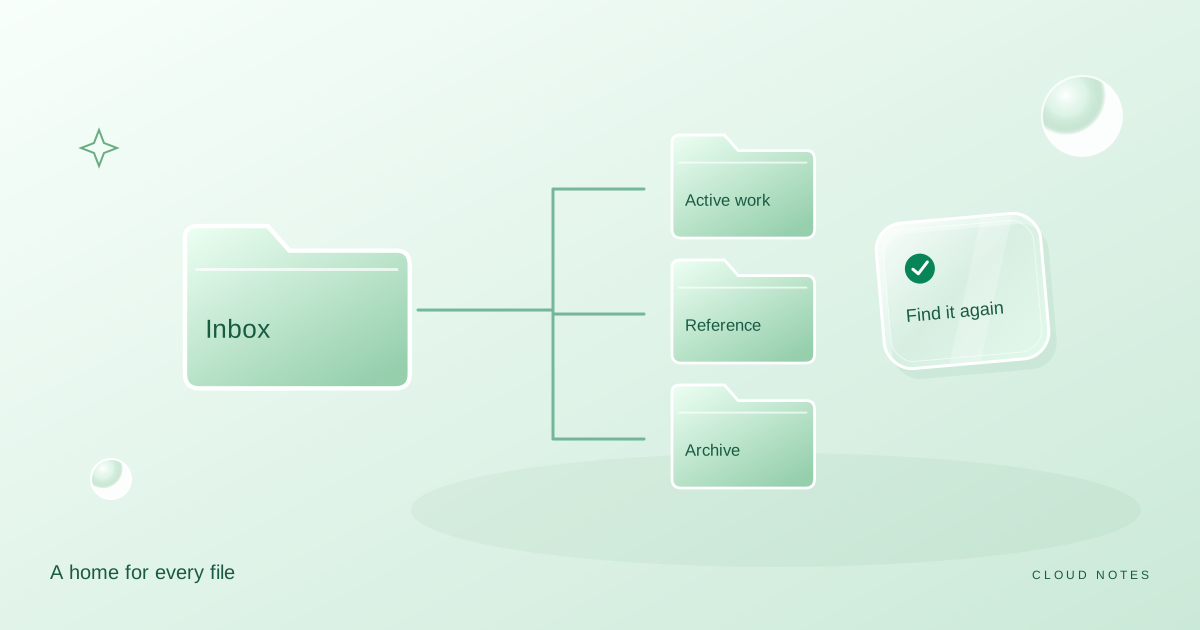
Where appropriate, separate Current, Reference and Superseded. Current contains the authoritative material for this delivery. Reference explains the work. Superseded is optional and should only be shared when older versions have a useful purpose.
Before copying files into the delivery view, identify the current version. A filename containing final is not proof. Check the contents, dates and the decision that made the file authoritative.
Add a short delivery note
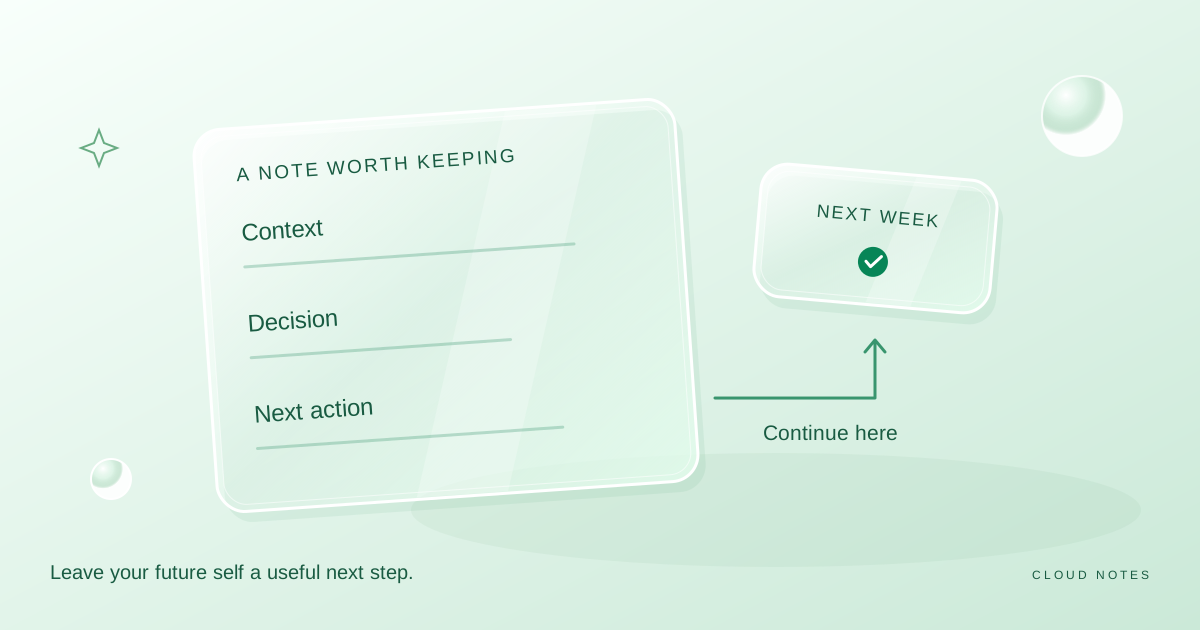
Create a text file named READ-ME-FIRST.txt or an equivalent clearly visible note. Record the purpose, the authoritative file list, any known gaps and the next action expected from the recipient.
Use neutral descriptions for sensitive material. The note should not contain passwords, recovery codes or unnecessary private identifiers. If access requires a separate approved process, explain how to request it rather than putting a secret in the folder.
Include a review date or an end point for the collaboration. This is a reminder to revisit access; it does not cause a service to revoke access automatically.
Work through an illustrative delivery
Imagine two family members arranging an event. One person has collected a schedule, a venue map and several draft guest lists. The handover is intended to let the other person review the schedule and comment on the map. The guest lists are outside that task.
| Item | Included in delivery? | Reason |
|---|---|---|
| Current schedule | Yes | Main item for review |
| Venue map | Yes | Needed to understand the schedule |
| Older schedule drafts | Usually no | Could confuse the current decision |
| Guest list containing personal details | No for this task | Unnecessary for the requested review |
| Delivery note | Yes | Explains current files and next action |
The folder now has a clearer purpose. The delivery message can ask for comments on two specific items instead of asking the recipient to look through everything. The example demonstrates selection and communication; it is not a claim about a particular storage platform.
Match permissions to the task
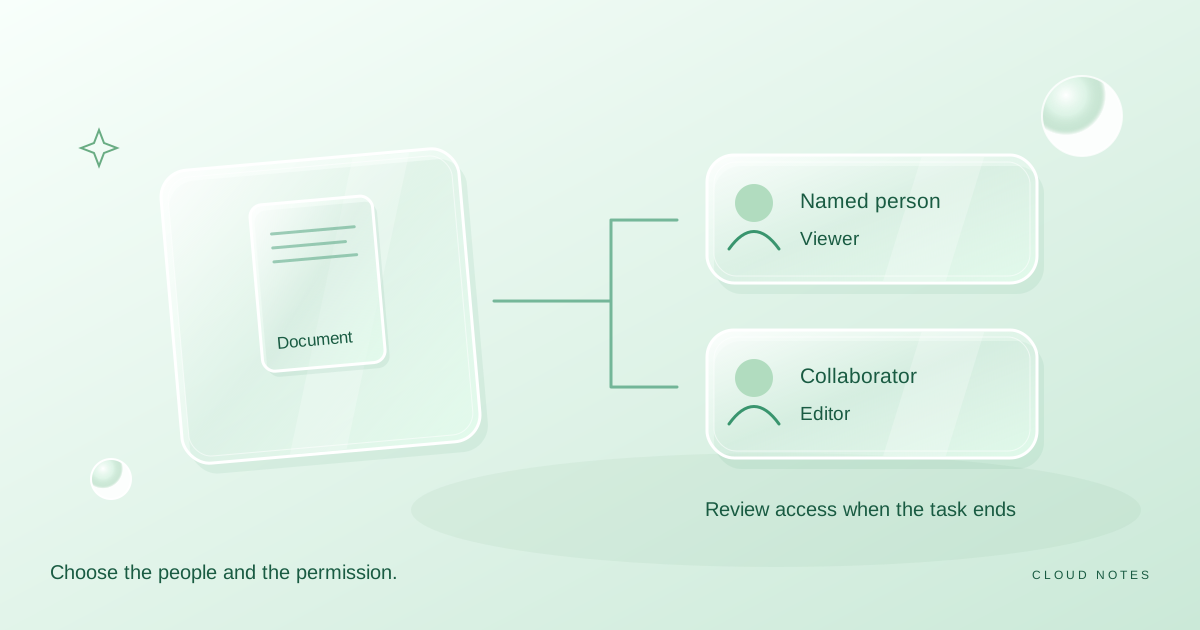
Check the intended people and choose the smallest suitable role in the actual sharing panel. A review may need commenting, while a reference delivery may only need viewing. Collaborative editing can be appropriate when the task genuinely requires it.
Do not assume an individual file is private because its name includes private. Review the folder context and the actual access panel. Permission inheritance and administrator settings can affect the result.
Our sharing preflight tool suggests questions to ask based on your own answers. It cannot confirm the effective permission on a real folder. Use the provider's documented controls to make and verify the change.
Confirm receipt with a useful question
Ask the recipient whether they can open the intended files and identify the next action. This is more useful than a generic did you get it when the folder contains several versions.
For an important handover, ask them to name the current file they are using. A simple mismatch can reveal that an old link or cached local copy is still in circulation. Resolve that before the recipient begins editing.
If access fails, check the account identity and permission settings. Making the folder public should not be the default fix for a restricted delivery.
Close the collaboration deliberately
At the agreed end point, record the outcome and decide which files remain authoritative. Revisit access where appropriate. If the recipient needs an independent retained copy, agree on the format and verify that they have a usable export or copy according to the relevant rules.
Removing access to the original does not necessarily remove a downloaded copy. Make the audience and content decisions before sharing, rather than relying on later revocation to undo disclosure.
Archive the delivery note with the project if it explains an important decision. Keep only the personal information needed for the legitimate record.
Common questions
Should I share the working folder or a delivery copy?
Use the option that matches the task. A dedicated delivery view can reduce confusion when the working folder contains drafts or unrelated material. Ongoing editing may need a clearly identified working location instead.
Does a delivery note transfer ownership?
No. It records the intended responsibilities. Account or file ownership changes require the provider's actual supported process.
What if the recipient needs an older draft?
Share that draft deliberately, label why it is included and keep the current version easy to identify. Avoid silently mixing it into the current set.
When is the handover complete?
When the intended recipient can use the correct files for the agreed task, understands the next step and knows who is responsible for questions. A sent link alone does not establish all three.
Examples are illustrative planning exercises unless a source says otherwise. Read our editorial policy for sources, AI assistance and corrections. See example data and checking methods for reproducible calculations and practice files.