Files & cloud
A file system should help you find the current document and keep an important copy usable. Start with the task you need to complete: locate a file, preserve a memory, recover an earlier state or plan enough space. These are related questions, but they are not interchangeable.
Begin with the folder system if the main problem is finding things. It uses a small arrival area, current project folders, reusable reference material and an archive. The worked repair example shows why a manual and a current quote may need different homes even though they concern the same appliance.
Read the sync and backup explanation before treating a cloud folder as your whole recovery plan. Then use the backup checklist to name important file groups, destinations, acceptable loss windows and a harmless restore test. A checked reminder and an observed recovery result are different pieces of evidence.
If capacity is the question, measure representative files before comparing storage plans. The storage guide works through photos, videos, documents, monthly growth and headroom. The photo guide then applies a careful import routine, keeping preservation separate from choosing favourites.
Start here.
A suggested reading order. Choose the task that matters to you.
- 1A folder system you can actually keep →
Give every file a next home. Start with four folders and one weekly review, then add structure only when a real retrieval problem appears.
- 2Sync is not your whole backup plan →
Sync keeps locations aligned. A recovery plan also needs retained copies, account access and a restore test.
- 3Build a personal backup checklist you can test →
A backup routine is complete when you can retrieve an important file from a usable copy and know how much recent work may be missing.
All files & cloud articles.
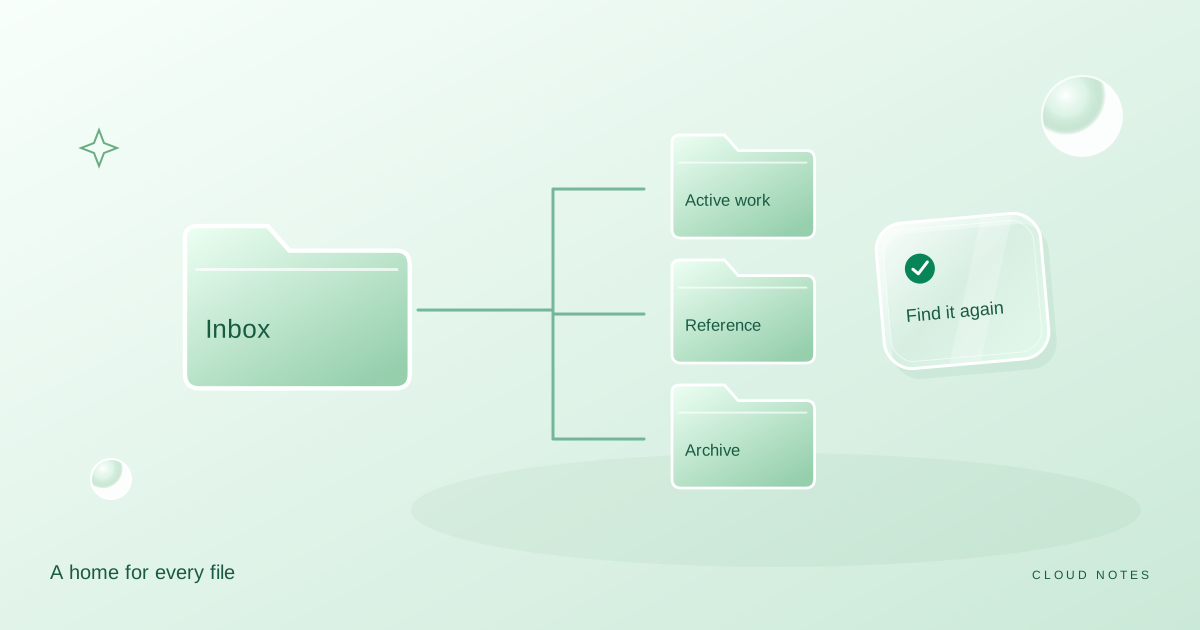
A folder system you can actually keep
Build a small personal filing system with an inbox, active projects, reference folders and a clear archive. Includes a worked example and a weekly routine.
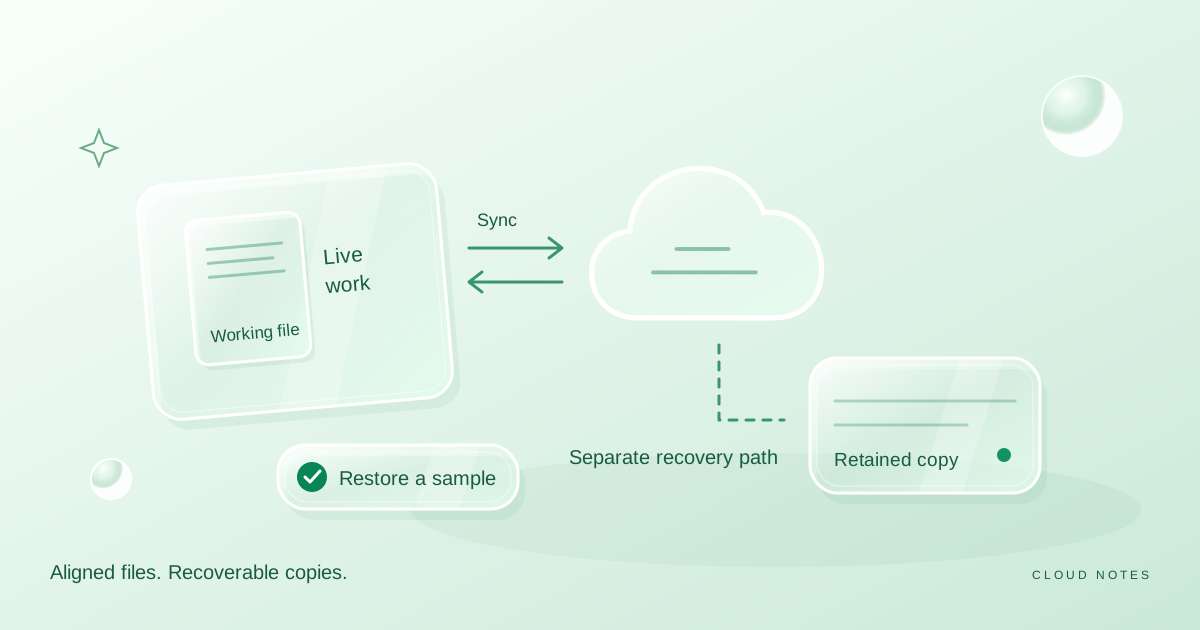
Sync is not your whole backup plan
Understand the difference between keeping files in sync and retaining recoverable copies, with a safe practice exercise and a personal recovery checklist.
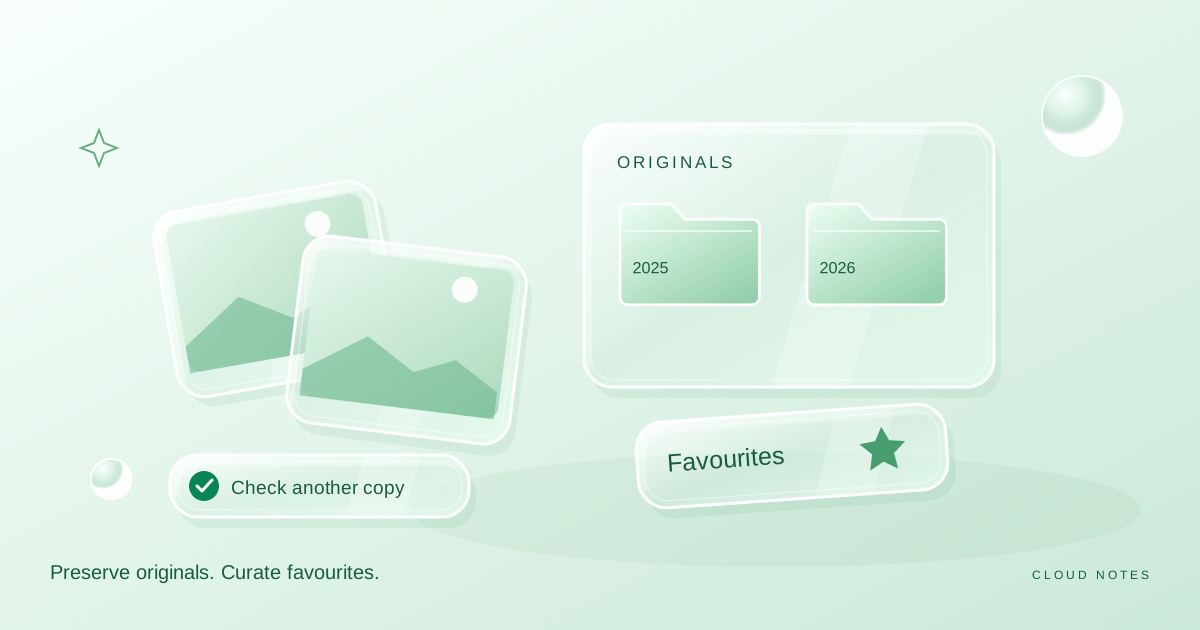
A photo library without the chaos
Create an original photo archive, a smaller favourites collection and a simple import routine without deleting the only copy of a memory.
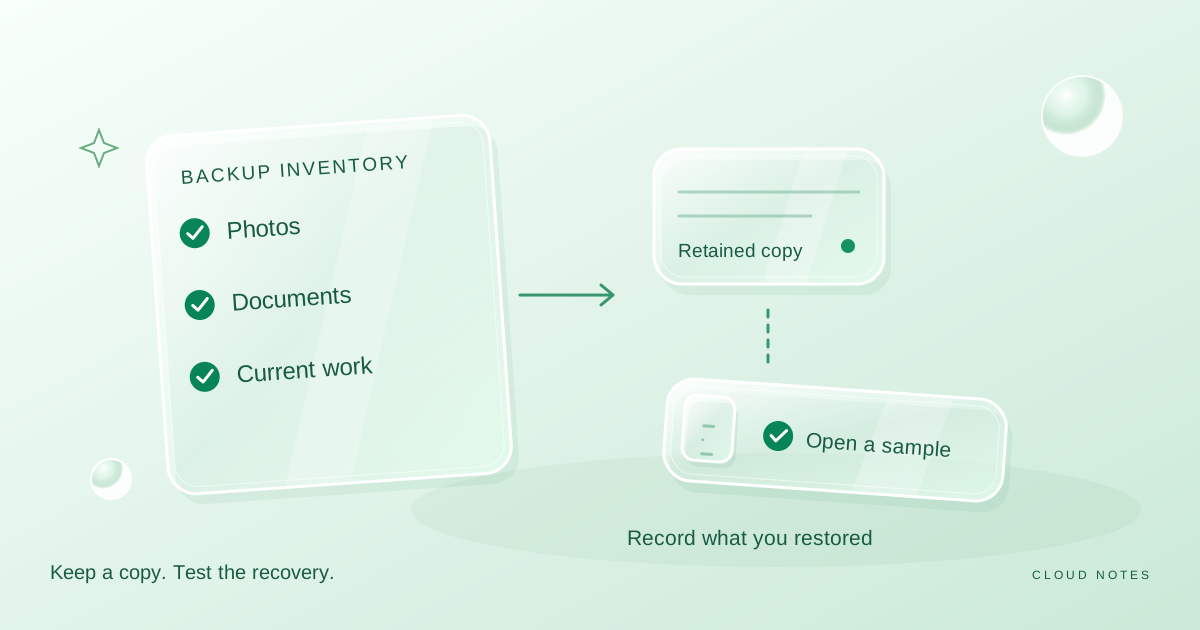
Build a personal backup checklist you can test
Turn a vague backup intention into a simple inventory, copy schedule and restore record. Includes an example for photos, documents and current work.
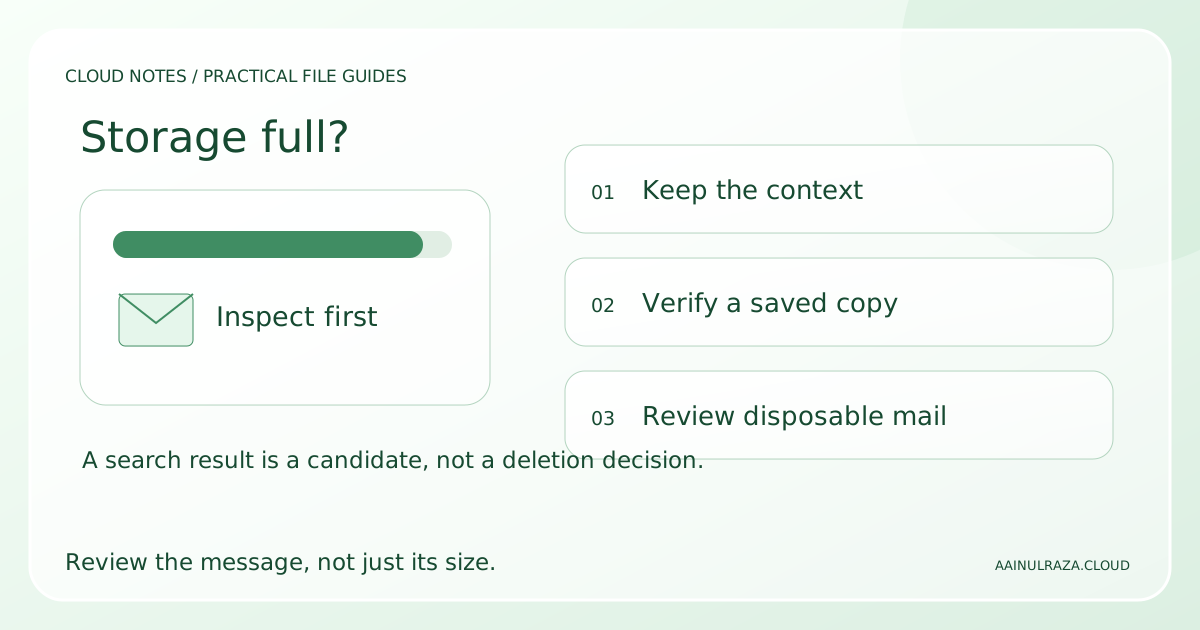
Gmail Storage Full? Find Large Emails and Free Space Safely
Find large Gmail emails, review attachments and clear storage with a small-batch workflow, worked cleanup example and a free decision worksheet.
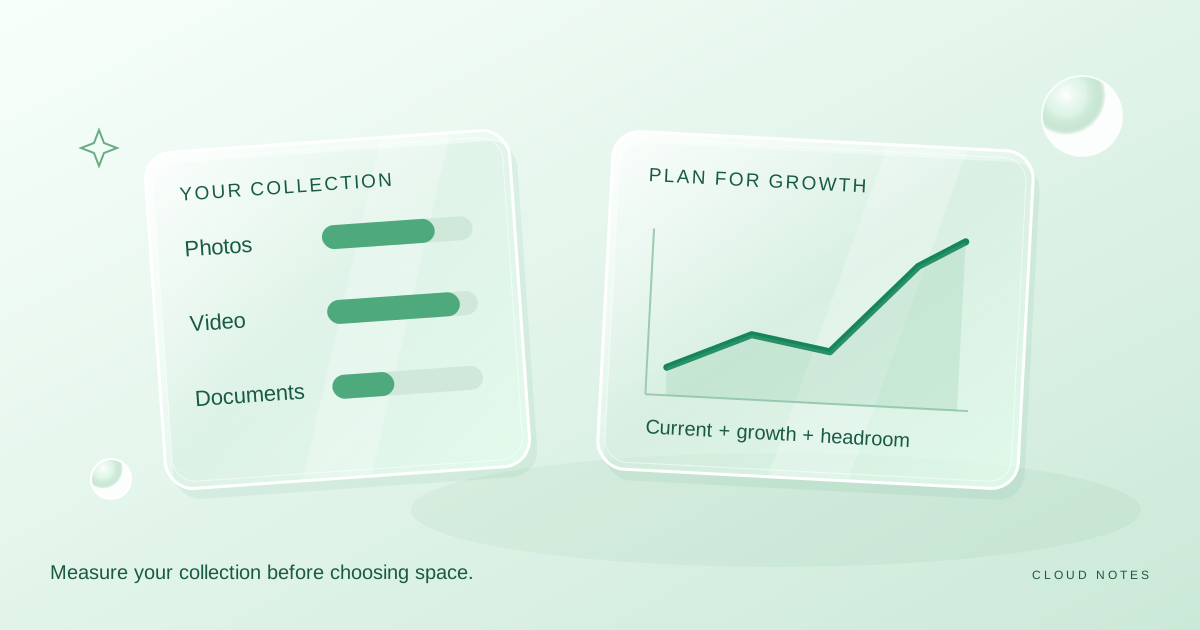
How much cloud storage do you really need?
Estimate storage from your own photos, videos, documents and growth rate, rather than choosing a plan from an advertised headline.
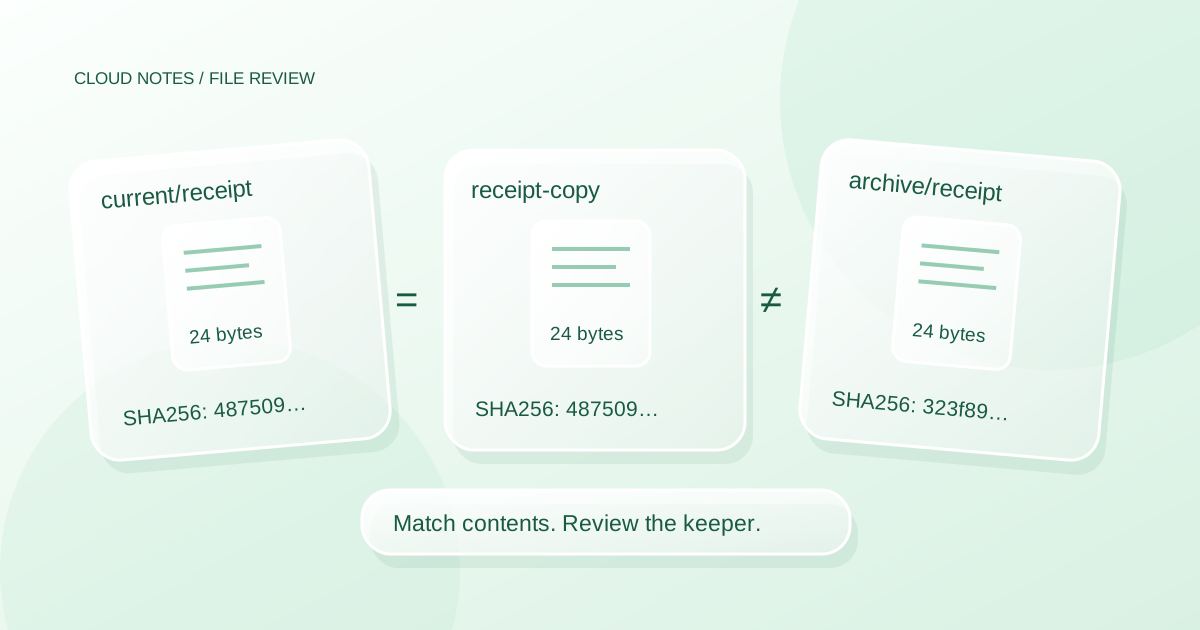
How to Find Duplicate Files on Windows Without Deleting the Wrong Copy
Review duplicate files on Windows using size, SHA256 and context. Try a reproducible five file mini lab before choosing what to keep or delete.
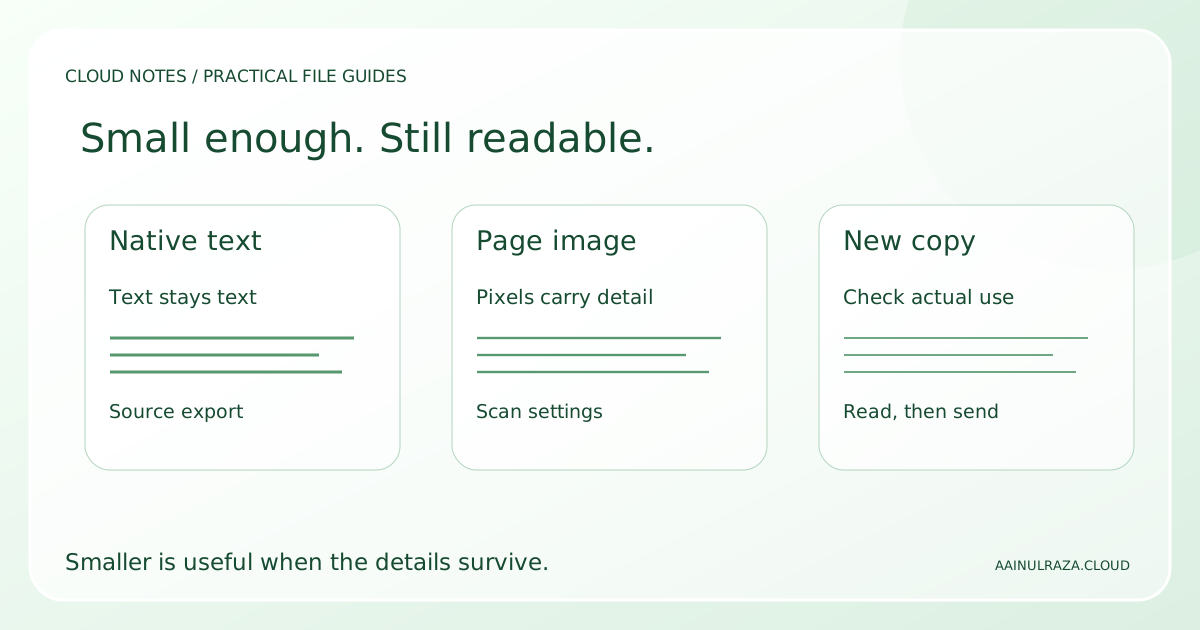
How to Reduce PDF File Size Without Making It Unreadable
Make a PDF smaller using the right method for text or scans. Compare four downloadable samples, check small details and record a practical quality test.
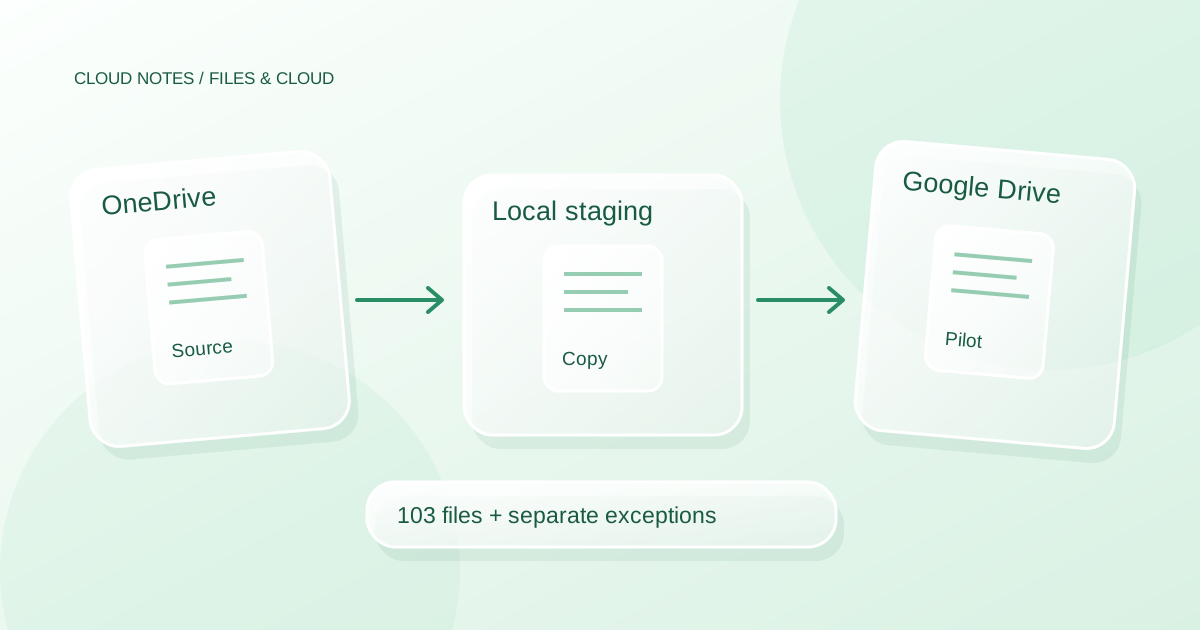
How to Transfer Files from OneDrive to Google Drive Safely
Move ordinary files from OneDrive to Google Drive with a staged copy, a batch inventory, permission checks and a clear test before retiring the originals.