Before you start
Find safely disposable large messages while preserving the records and context you still need.
- First step
- Confirm the account and storage breakdown, then inspect a small batch from one large-message search.
Done when
- Saved records were opened and reviewed before their Gmail retention decision.
- The storage change is an observed meter result, not just a subtotal of search candidates.
Limit of this method: Message-size searches and a planning subtotal do not predict the exact quota change or make every conversation disposable.
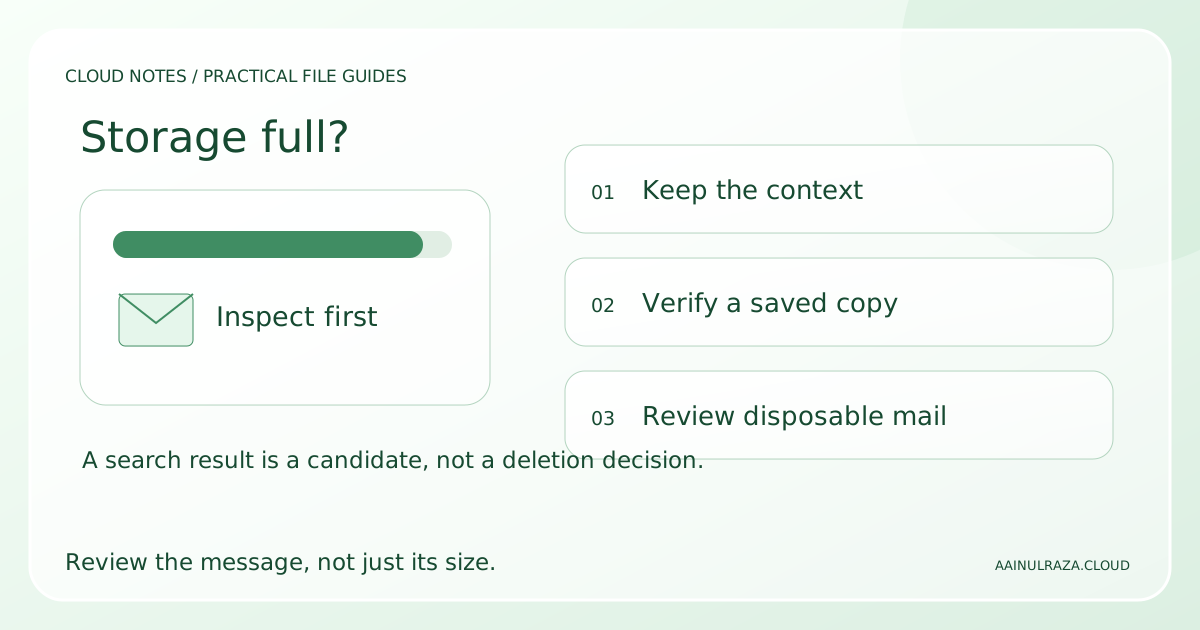

Review large messages, record what you retained and compare a candidate subtotal with the observed storage change.
Free text worksheet. No signup. Fill it locally; the site does not receive your entries.An account warning arrives just as you are expecting an important email: your storage is full. Clearing the inbox seems like the obvious fix, yet moving hundreds of messages into the archive may leave the storage meter unchanged. The useful question is not how many emails you can remove from view. It is which stored items you can stop retaining without losing something you need.
This guide gives you a review process for a personal Gmail account on a computer. You will identify the service using the space, find large messages, separate disposable attachments from records worth keeping, and verify the result. Work or school accounts can have different storage arrangements and retention rules; follow your administrator's instructions there.
The examples below use invented messages and amounts. They are decision exercises, not measurements from a customer's mailbox. No step requires giving this website access to your email.
First check whether Gmail is actually the main problem
Open the storage breakdown for the Google account showing the warning. Confirm the account address before making changes, especially if your browser has several accounts signed in. Record the total used, the limit shown and the service using most of it in the Gmail storage review worksheet.
Google's storage documentation explains that the quota is shared across services including Gmail, Drive and Photos. Reaching the limit can stop Gmail from sending or receiving mail. A nearly empty inbox therefore does not prove that the account has enough capacity.
For example, imagine a 15 GB account with 11.0 GB in Photos, 2.8 GB in Drive and 1.0 GB in Gmail. That adds up to 14.8 GB. A long Gmail cleanup could recover less space than reviewing one unwanted video elsewhere. Choose the service based on the breakdown rather than the visibility of the warning.
If Gmail is the largest contributor, continue here. If another service dominates, write down the finding and review that service separately. Do not delete shared files or photo originals simply to make an email warning disappear.
Choose a target and a stopping point
Write a modest goal before searching, such as reviewing ten large messages and deciding whether any are safely disposable. The goal is a controlled review, not a promise that ten messages will recover a particular amount.
Keep three decisions separate:
- Needed in Gmail: the message and its context remain useful in the account.
- Needed elsewhere: an attachment or record needs a verified copy before considering removal from Gmail.
- No continuing purpose: you have inspected the content and can explain why it is disposable.
An unresolved message stays. You do not have to decide everything during this session. A stopping point also helps prevent a late click on a broad selection after careful work on the first few results.
If mail delivery is urgent and you cannot identify safe deletions, compare the available storage options in your own account. Paying for temporary capacity can be preferable to rushing through important records. This is a decision about urgency and data, not a recommendation for a particular plan.
Search for large emails before old or numerous emails
On the desktop Gmail website, enter a query in the search box and inspect the results. Searches locate candidates; they do not establish that the messages are unnecessary.
These examples use Gmail's documented search operators. Size filters refer to messages, so do not treat a threshold as an exact attachment size.
| Query to paste into Gmail | Candidate group | Review question |
|---|---|---|
| has:attachment larger:10M | Large messages with attachments | Is the attachment still needed? |
| has:attachment larger:5M older_than:2y | Older large attachment messages | Does the record still have a purpose? |
| filename:pdf larger:5M | Large messages with PDF attachments | Is this the only usable record? |
| from:me has:attachment larger:10M | Large attachment messages you sent | Does the sent context matter? |
| in:anywhere larger:10M | Large messages including Trash and Spam | Where is each result currently stored? |
Start with one query. If there are no candidates, lower the threshold gradually rather than changing several conditions at once. A search matching one year of messages has a different scope from a search matching every message with an attachment.
Avoid turning a cleanup search into an automatic deletion filter. A useful message can match every condition above. A scan of an old signed agreement may be large, old and rarely opened, yet still be the file you need most.
Open the conversation before selecting Delete
Read enough of each candidate to understand what you would lose. Check the sender, date, subject, attachment names and later replies. A subject such as final files may contain several revisions, with the actual accepted version arriving near the end.
Gmail's search guidance notes that results can show conversations because individual messages match. A negative condition does not guarantee every message in the displayed conversation lacks that condition. For example, excluding starred mail is not a substitute for reading a mixed conversation.
If only one message is disposable, use the message's own More menu and Delete this message option rather than removing the entire thread. Google documents that distinction in Delete messages in Gmail.
For each candidate, ask one concrete question: if this disappeared today, what would become harder to prove, reopen or continue? If the answer is unclear, keep it and move to an easier decision.
Preserve the record you actually need
Downloading an attachment preserves that file. It does not automatically preserve the sender, the explanation, the date of agreement or the surrounding replies. Decide which of those matters before deleting the email.
An event brochure may need no separate copy once the event has passed. A completed assignment might need both the submitted file and the acknowledgement that it was received. A service dispute might depend on the conversation, not just the attached invoice.
For a record you intend to keep outside Gmail:
- Save it to a location with a clear name and a continuing purpose.
- Open the saved file from that location, rather than relying on the browser's completed download notice.
- Check the pages, figures or images that make the file useful.
- Record what context was preserved and what was not.
- Keep another usable copy if the record is important enough to require one.
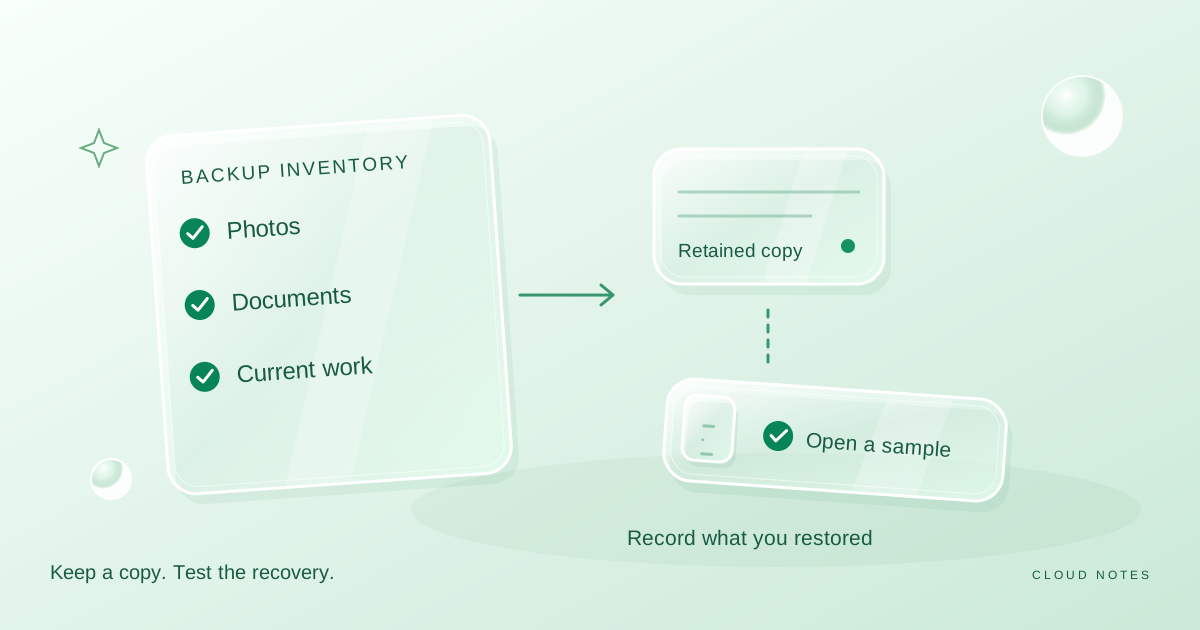
If you download to a folder synced into the same full Google account, you may merely move the storage burden between services. Check the actual destination. Use the backup inventory guide if you need to plan an independent retained copy.
Do not open unexpected attachments simply to complete a storage review. Set suspicious messages aside and follow the account's reporting options. Storage cleanup is not a reason to trust an unfamiliar file.
A worked review of six invented candidates
Suppose you inspect six results from a large-message search. The amounts below are simplified planning figures for the messages, not precise downloadable attachment sizes.
| Candidate | Illustrative size | Finding after opening it | Decision |
|---|---|---|---|
| Old event media pack | 18 MB | Public material from a completed event, no ongoing use | Review for deletion |
| Signed service agreement | 12 MB | Only available signed copy and useful correspondence | Keep in Gmail |
| Video sent to yourself | 28 MB | Verified working copy and independent retained copy exist | Review for deletion |
| Receipt and warranty email | 9 MB | Item is still covered and email explains the purchase | Keep in Gmail |
| Repeated draft presentation | 16 MB | Superseded, with accepted version already verified | Review for deletion |
| Unknown attachment | 22 MB | Sender and purpose cannot be established | Set aside for separate handling |
The three deletion candidates add up to 18 + 28 + 16 = 62 MB. That is a planning subtotal, not a measured quota reduction. The original search found 105 MB across all six candidates, but finding a message did not make it disposable. The 22 MB unknown attachment was deliberately excluded from the subtotal.
Now suppose the account needs about 500 MB of headroom for the next task. Even the full 62 MB candidate subtotal would be insufficient. That tells you to reassess the storage breakdown or capacity requirement instead of widening deletion to records you wanted to keep.
This exercise exposes two common mistakes: treating every search result as recoverable space, and counting uncertain items as if they were already approved for deletion.
Move a reviewed batch to Trash, then decide on permanence
Select only the messages you have just reviewed. Before clicking Delete, check whether Gmail has selected the visible page or whether you have expanded the selection to every matching conversation. The scope shown above the results matters more than the number of items you remember opening.
Under Gmail's deletion rules, ordinary deleted messages go to Trash, where they can generally be restored for up to 30 days unless permanently deleted sooner. Deleted drafts are a separate case and cannot be recovered from Trash. Do not use a draft as a trial item.
Moving messages to Trash gives you a review window, but Google's storage guidance says Trash and Spam continue to count until permanently cleared. Inspect those folders before emptying them. An empty-all action can affect unrelated items that were already there.
You have two reasonable stopping points: keep the recovery window while you confirm your decisions, or permanently remove reviewed disposable items when you need the space and accept the loss of recovery. Make that choice explicitly. Do not empty every service's bin simply because one tutorial mentioned storage.
Verify the outcome rather than repeating deletion
Record what changed, when you changed it and what the storage meter shows afterward. Google says storage updates after bulk deletion can take up to 48 to 72 hours in some cases. An unchanged meter immediately after cleanup is not a reason to delete the next important batch.
Check the same account and the same storage screen you used at the start. If the result is still unclear after the documented delay, revisit the service breakdown and the location of the items. Some may still be in Trash; others may not have contributed much to the quota you were trying to reduce.
If delivery had stopped, send a harmless test from an address you control and confirm arrival. Ask a sender to resend a missing important message rather than assuming it will appear automatically after space becomes available. Record the observed result, not just the absence of the warning.
Keep a short completion note: account checked, candidate batch reviewed, retained records opened, permanent deletion decision and meter observation. Avoid putting private email contents into a general worksheet.
Common mistakes that waste time or lose context
Archiving a message changes its inbox placement; it is not the same decision as deleting it. Use archiving when you want a calmer inbox and deletion when you have determined that the stored record is unnecessary. Google's archive explanation describes archived messages remaining available in All Mail.
Unread is not a synonym for useless. Some important receipts and notices are never opened. Old is not a synonym for expired. An agreement can remain relevant longer than a photo preview sent last week.
Saving an attachment without opening it leaves a verification gap. Clearing a whole thread because the first message is a duplicate can remove the later approval. Emptying a bin to test whether the meter changes removes the recovery option before resolving the uncertainty.
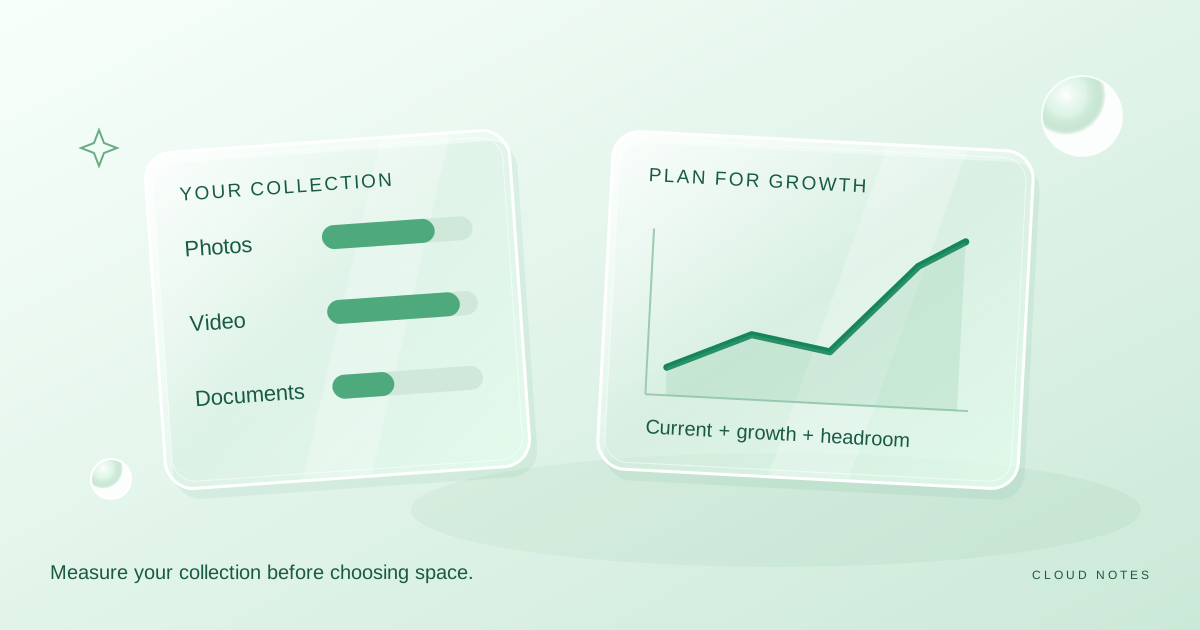
Finally, do not keep repeating small cleanup sessions if the underlying flow is still growing. Decide whether incoming videos, recurring exports or years of needed records require a different storage plan. The storage planning guide helps you separate current use from expected growth.
Questions readers usually ask
Can I keep the email and remove only its attachment?
This workflow does not provide an in-place attachment removal method. Keeping the conversation and keeping a downloaded file are different retention choices. Avoid giving a third-party mailbox tool account access solely to save a small amount of space without understanding its permissions and handling of the record.
Should I delete all Promotions messages?
A category is a starting point for inspection, not proof that the content is disposable. Search large candidates first and review the records you actually find. A category-wide selection can include messages you have not inspected.
Will downloading an attachment free Gmail storage?
Downloading creates a separate copy. It does not remove the original stored message. Verify the copy and make the Gmail retention decision separately.
What if I cannot safely delete enough?
Stop. Keeping needed records is a valid result of a review. Reassess which service uses the quota, how much capacity the next task needs and whether a different capacity or retention arrangement is appropriate.
Sources and scope
Provider-specific instructions were checked against Google's storage guide, Gmail search operators, message deletion instructions and archiving explanation on 26 October 2026. The review categories, six-message exercise and worksheet are original editorial aids. They do not inspect your account, measure your attachments or establish your retention obligations.
Examples are illustrative planning exercises unless a source says otherwise. Read our editorial policy for sources, AI assistance and corrections. See example data and checking methods for reproducible calculations and practice files.